.svg)
Version 1.2: Submissions 2.0 & Draft Mode
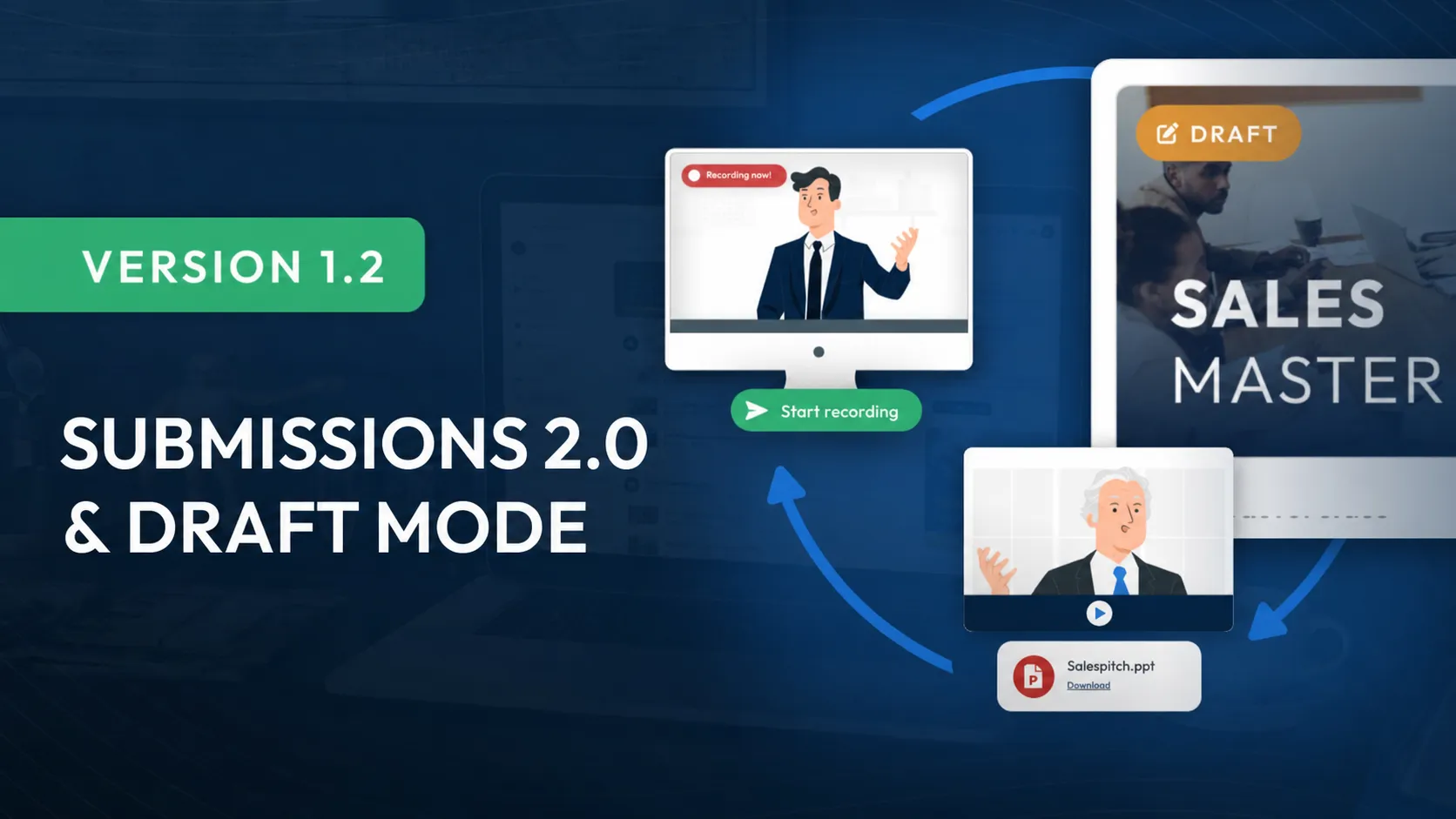
In this update, we've added exciting new features and expanded existing ones to give you the best possible user experience. A key focus was overhauling the submission system, which has been redesigned from the ground up.
You can also look forward to new features like customizable platform details, including your subdomain, platform name, and the design of your LearningSuite link. Plus, a range of design improvements.
But that's far from everything Update 1.2 has in store for you in LearningSuite!
All Changes at a Glance:
- Submissions system V2.0
- Audio submissions & audio recorder in the editor
- Platform details are now editable
- Billing details visible in settings
- Various editor improvements
- Drag-and-drop for modules
- Modules can now be duplicated
- Draft mode for sections & lessons
- Redesigned preview mode in the editor
The Biggest Change: Submissions System V2.0
We've reimagined submissions from the ground up with a significantly improved design, so you can keep track of all your members more easily and review submissions even faster.
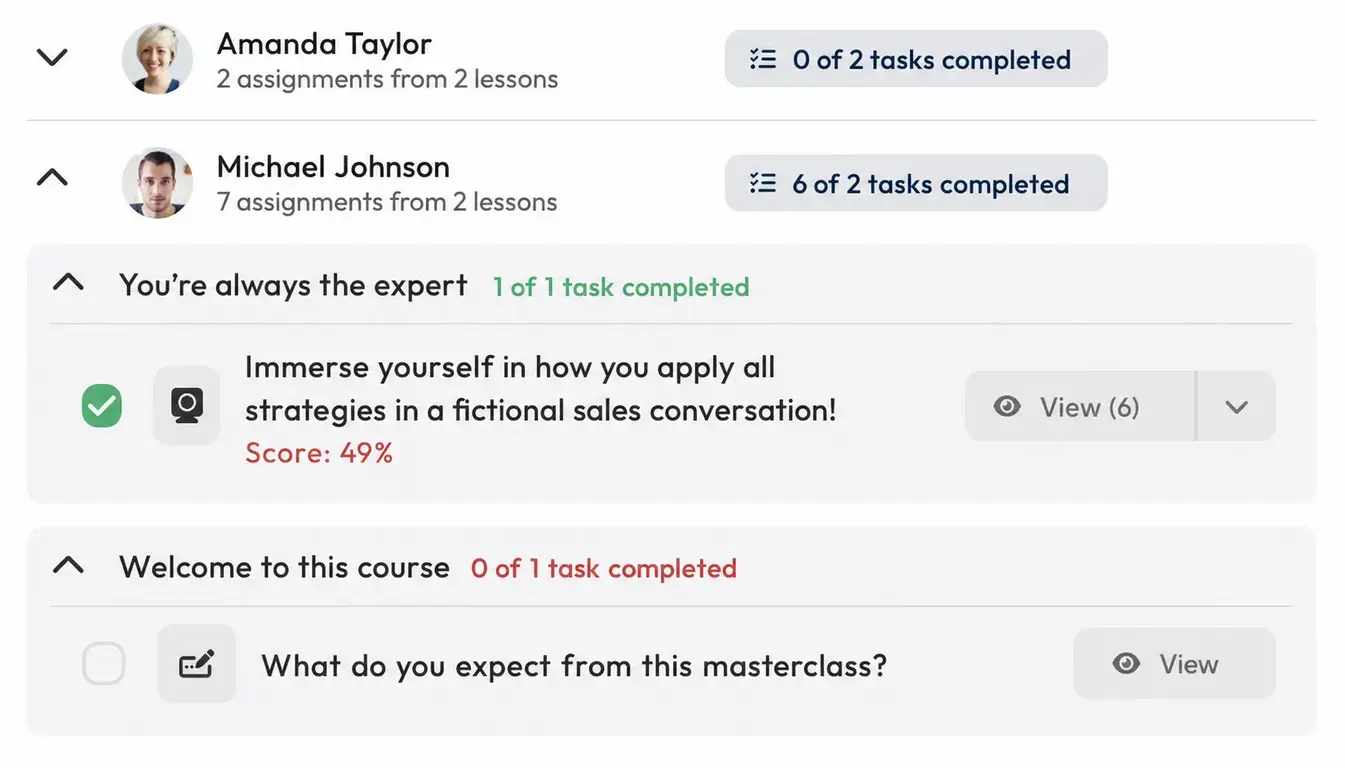
New Design for Viewing Submissions
Submissions are now grouped by lessons. This reduces the risk of losing track when you receive a large number of submissions. Submissions sent multiple times are no longer displayed individually each time. Instead, they're shown as versions in a dropdown.
Redesigned Submission Review
Submission reviews have been completely redesigned and aligned with our new design guidelines. On the right, you can now easily switch between sorting by members and tasks.
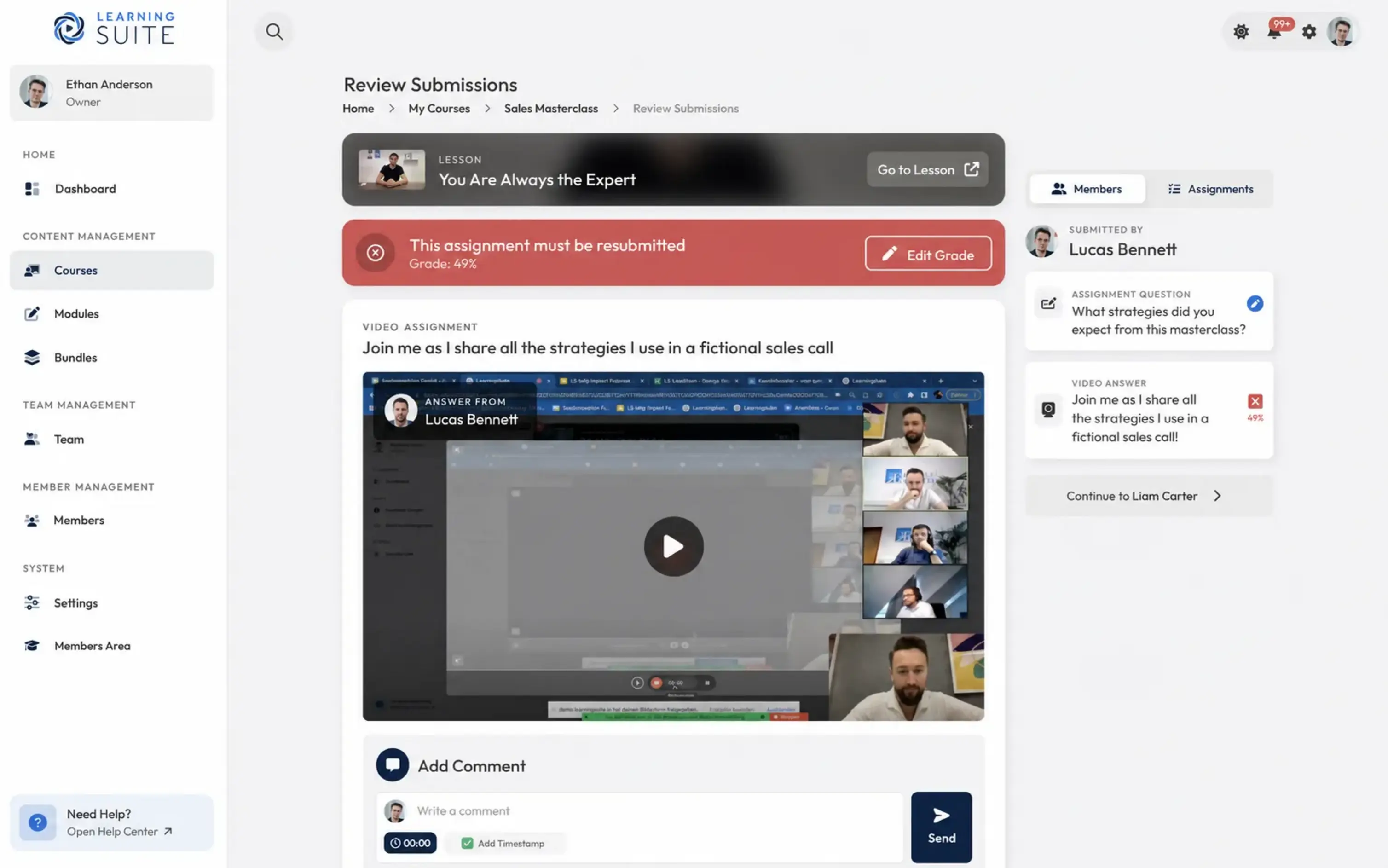
Many More Improvements and Features
We've also completely rebuilt the comments section, trainer video responses, and the review popup. We'll provide a detailed walkthrough of the new submissions system in a separate video. Until then, we recommend trying out submissions for yourself :)
More Features in Update 1.2:
Draft Mode for Sections & Lessons
You can now mark sections & lessons as drafts. This lets you keep content that isn't final visible only to editors, even when you update a course.
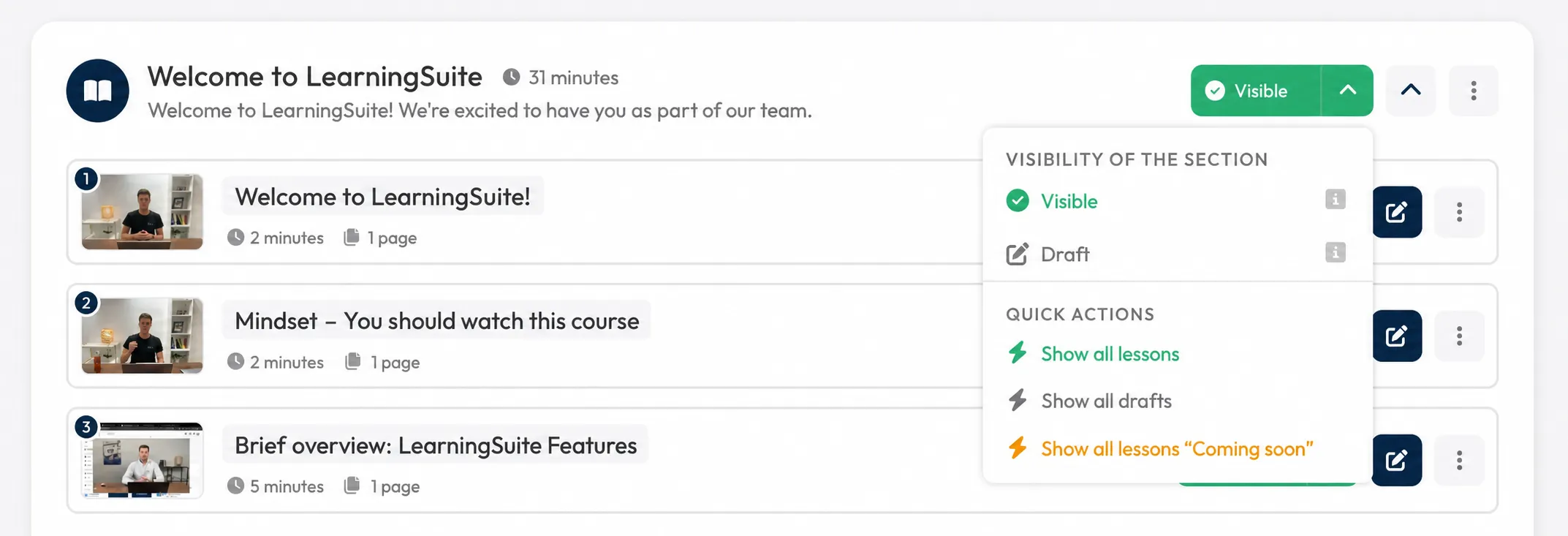
Editable Platform Details
Under Settings --> Platform Design, you can now customize your platform name, domain, and link description for your learning academy. You'll see a preview of the link on the right. This preview appears when you share your platform with others via a link in WhatsApp, Facebook, Instagram & more.
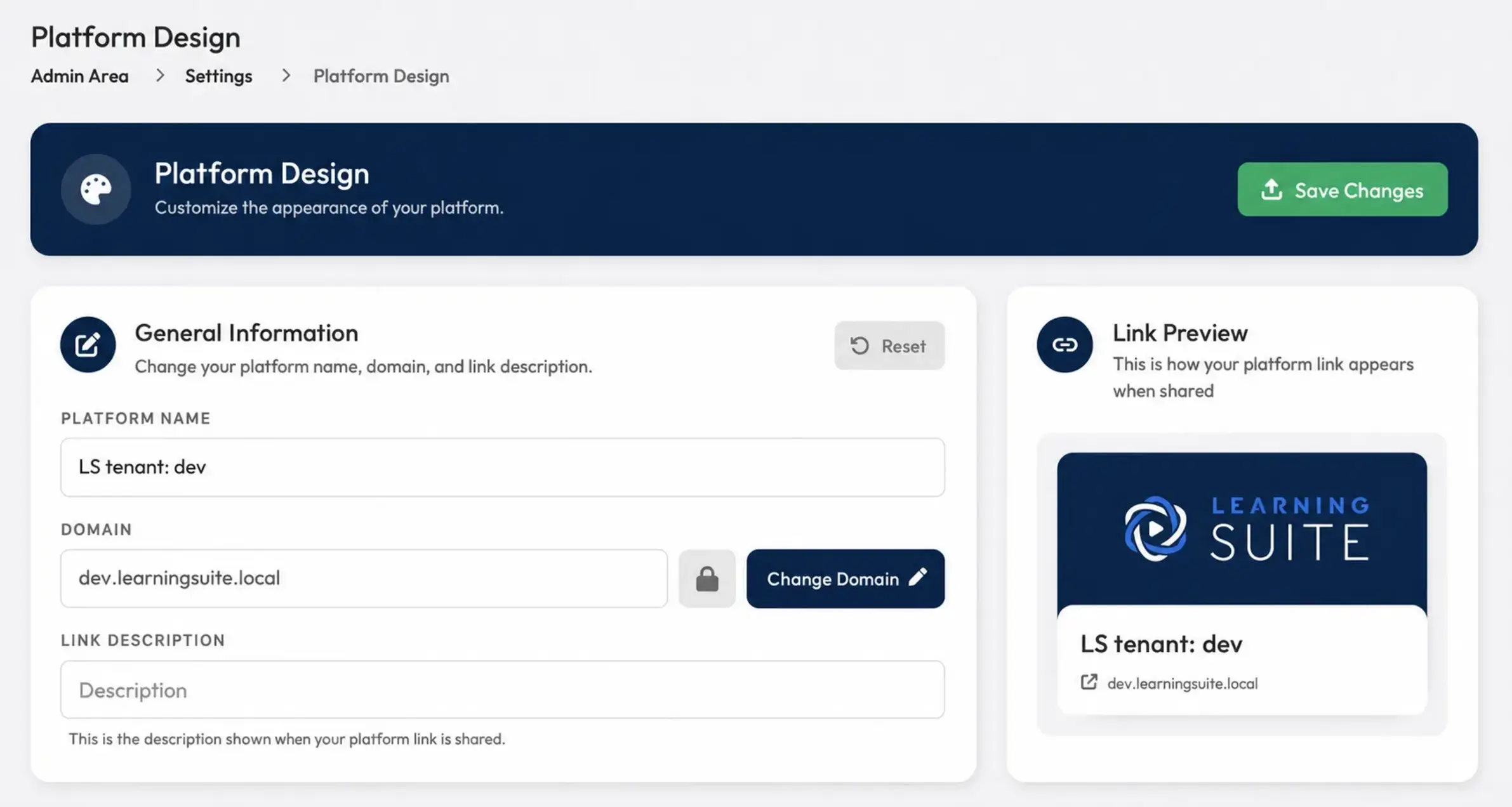
Billing Details Now Visible in Your Platform
Until now, invoices were sent only by email. Now, under Settings --> Billing, you can also download your billing information and invoices directly in LearningSuite.
Duplicate Modules
With just one click in a module's three-dot menu, you can now duplicate modules along with all their content.
Various Editor Improvements
Page settings are no longer displayed in the editor's right sidebar, but at the bottom of the current page. We've also optimized drag-and-drop in the editor, so it now works more smoothly and reliably than before.
Audio Recorder & Audio Submissions
You can now create audio recordings directly in LearningSuite. But that's not all! Your members can also send you an audio response. This is perfect, for example, for training sales employees who primarily work on the phone.
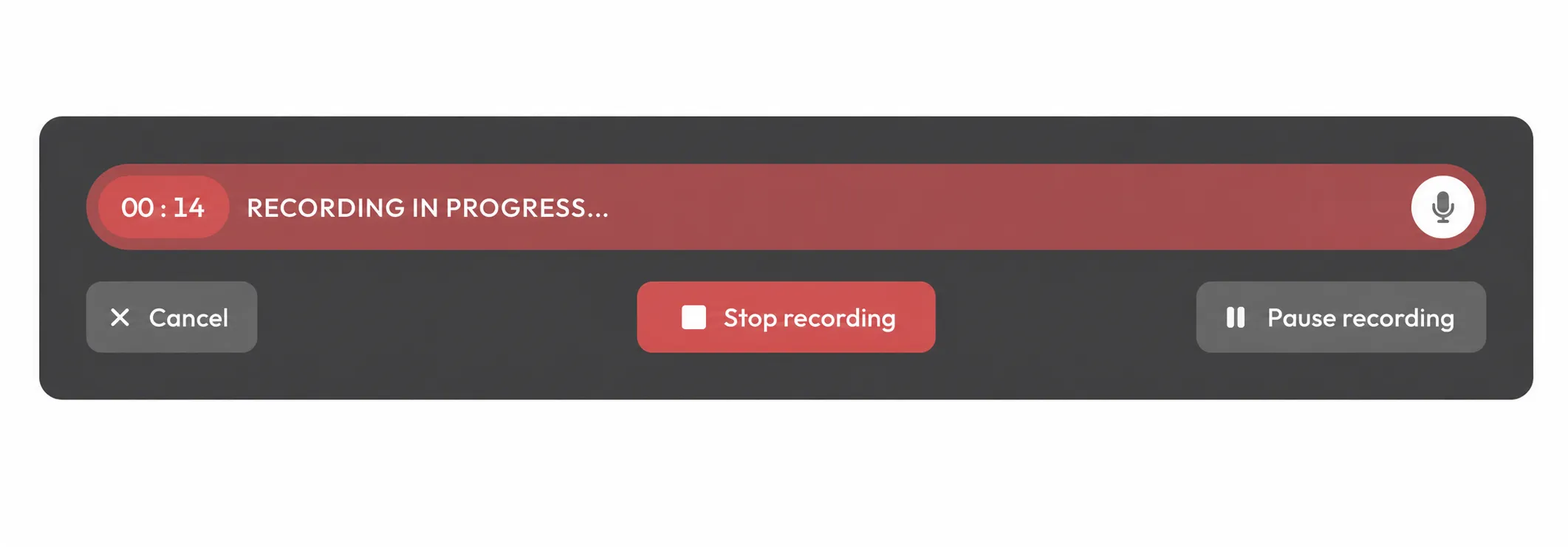
Redesigned Preview Mode in the Editor
The preview mode in the editor has been visually optimized and now has nearly the same design as the Reader for members.
Bug Fixes:
We've made several bug fixes and stability improvements to make your LearningSuite experience even better.