.svg)
Community & Mobile App for iPhone & Android
Over the past few months, we have been working intensively on by far the largest update in LearningSuite's history.
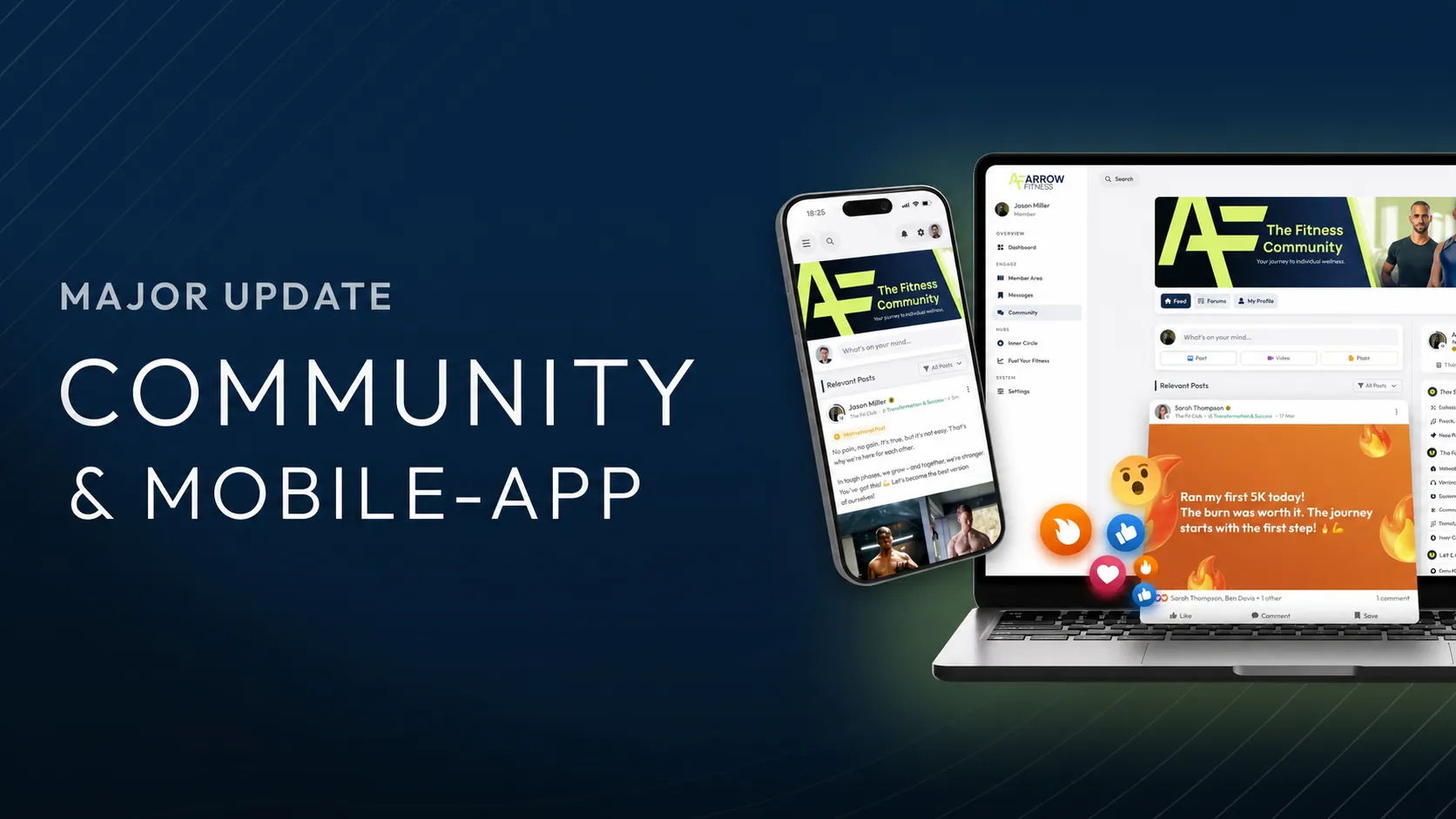
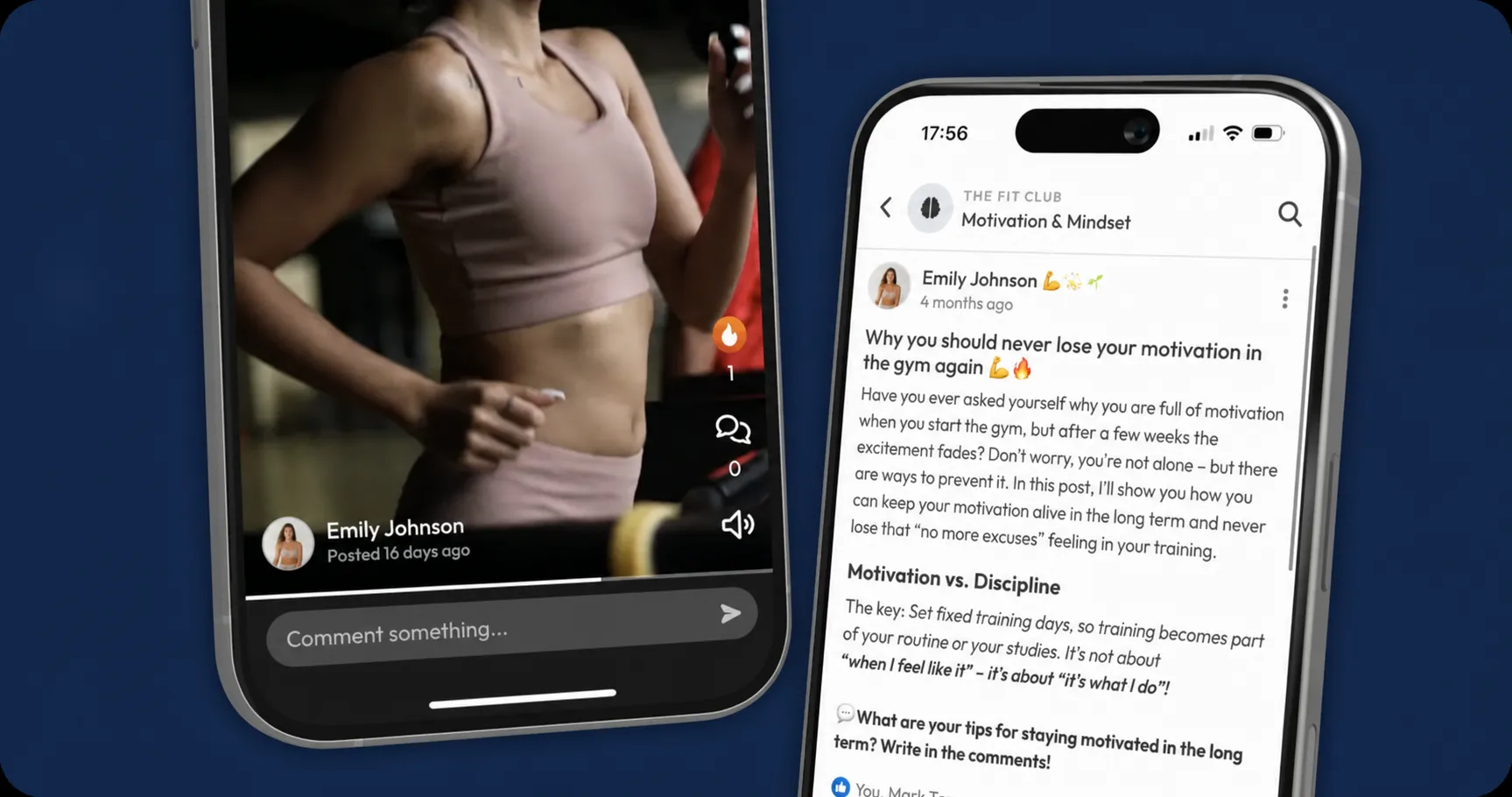
With this update, we are delivering not only by far the most comprehensive community feature on the e-learning market, but also a native app for Android, iPhone & iPad.
Like every LearningSuite feature, the community was built with the goal of being immediately intuitive, feeling incredibly good and being lightning-fast.
Combined with all the features you need for the perfect community, this update gives you the complete solution for building the ultimate Learning Platform as a coach, agency or company:
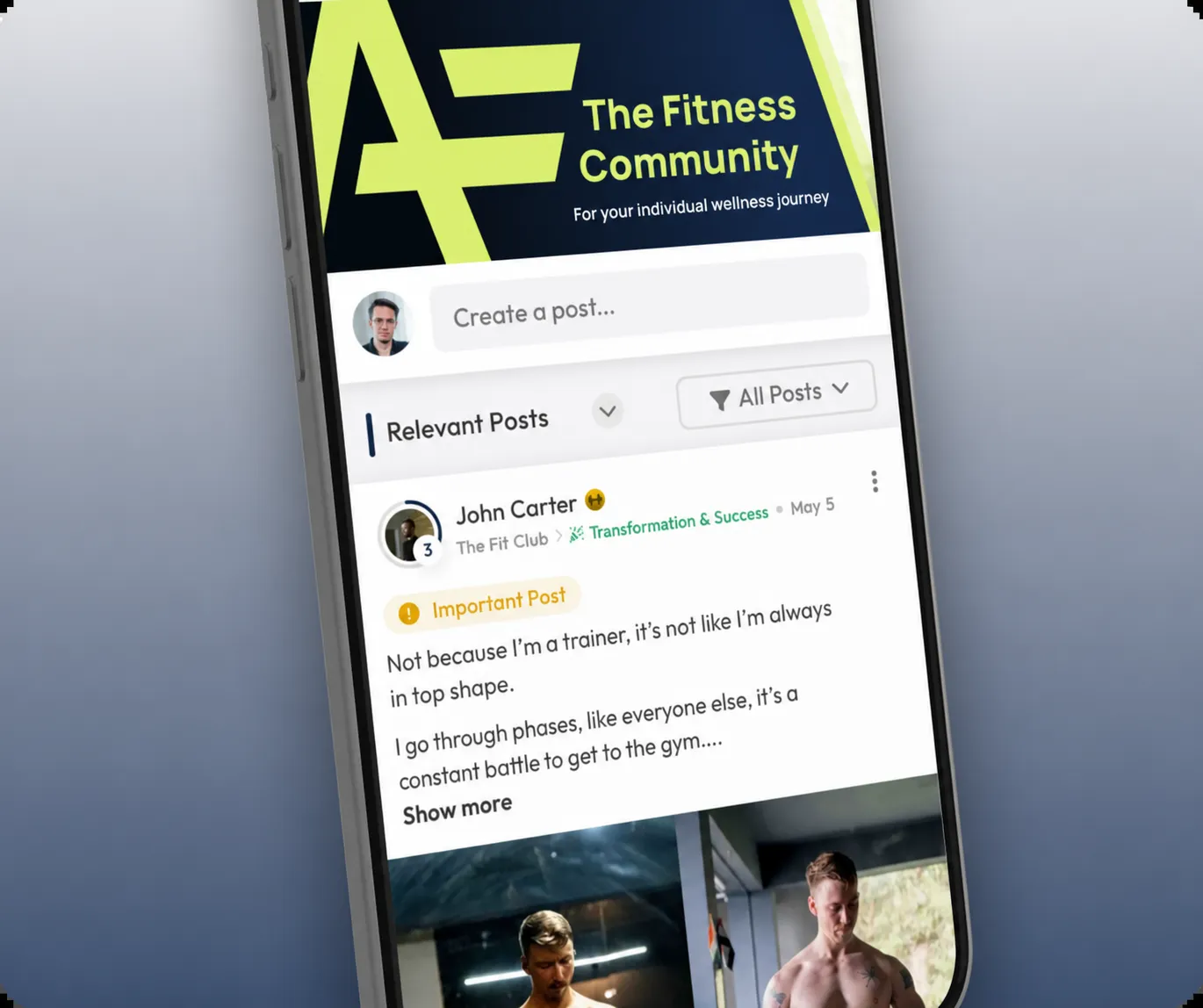
Intelligent & Personalized Feed
The LearningSuite Community is the first community in the e-learning sector to use AI algorithms similar to those used by the largest social media platforms such as Facebook, TikTok or Instagram, creating the same addictive stimuli.
Our personalized feed is a sophisticated recommendation algorithm that ensures your Users always find the posts relevant to them, tailored to their personal interests.
Comprehensive Forum Functionality
We have developed specialized forum functionality that enables you to structure your community perfectly for your use case.
We offer 3 types of forums:
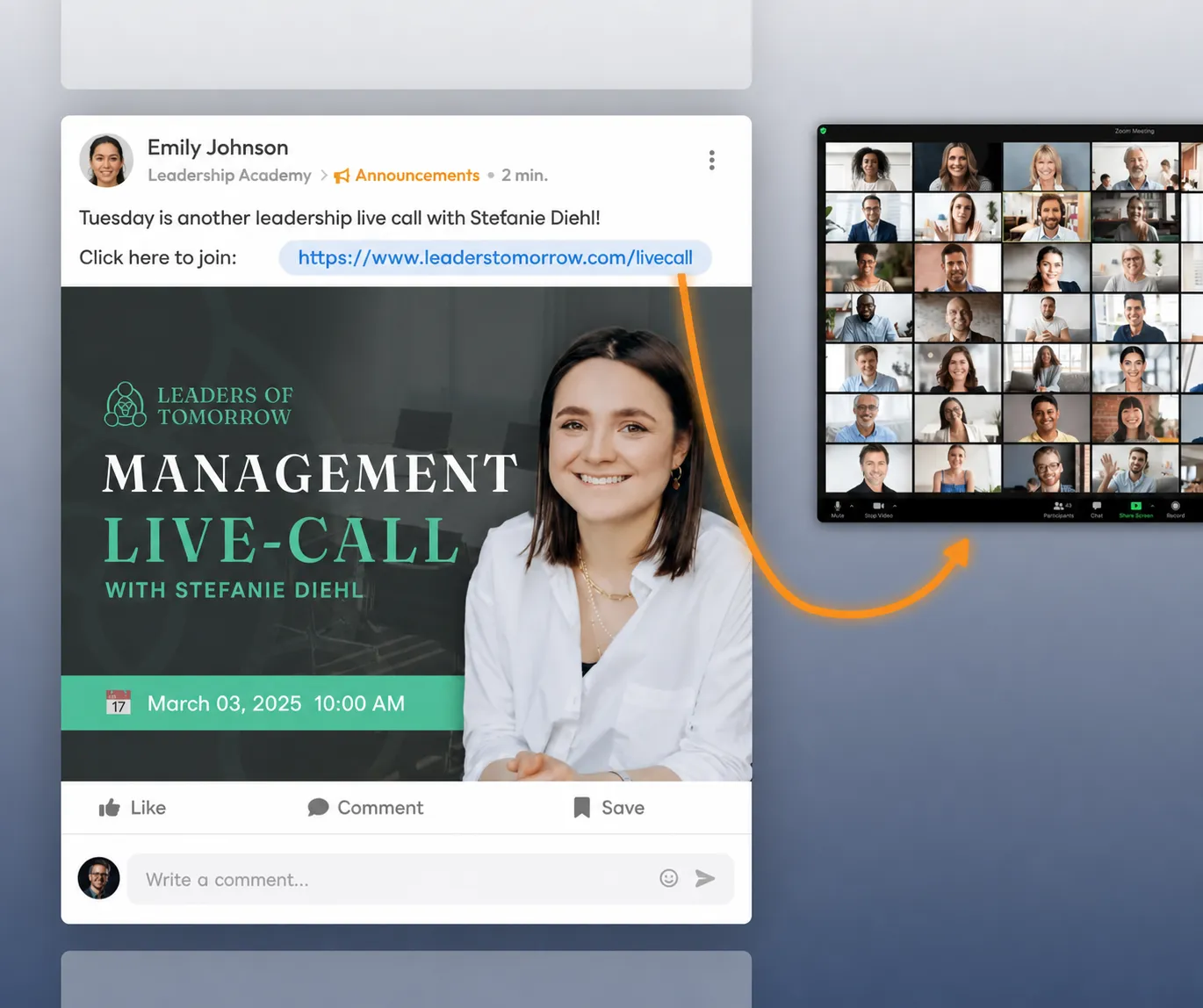
1. Announcement Forums
These forums are intended exclusively for admins to inform Users about important news, such as live calls, new Courses, events or other updates.
Only admins can create posts here, and all Users receive a push notification as soon as a new post is published.
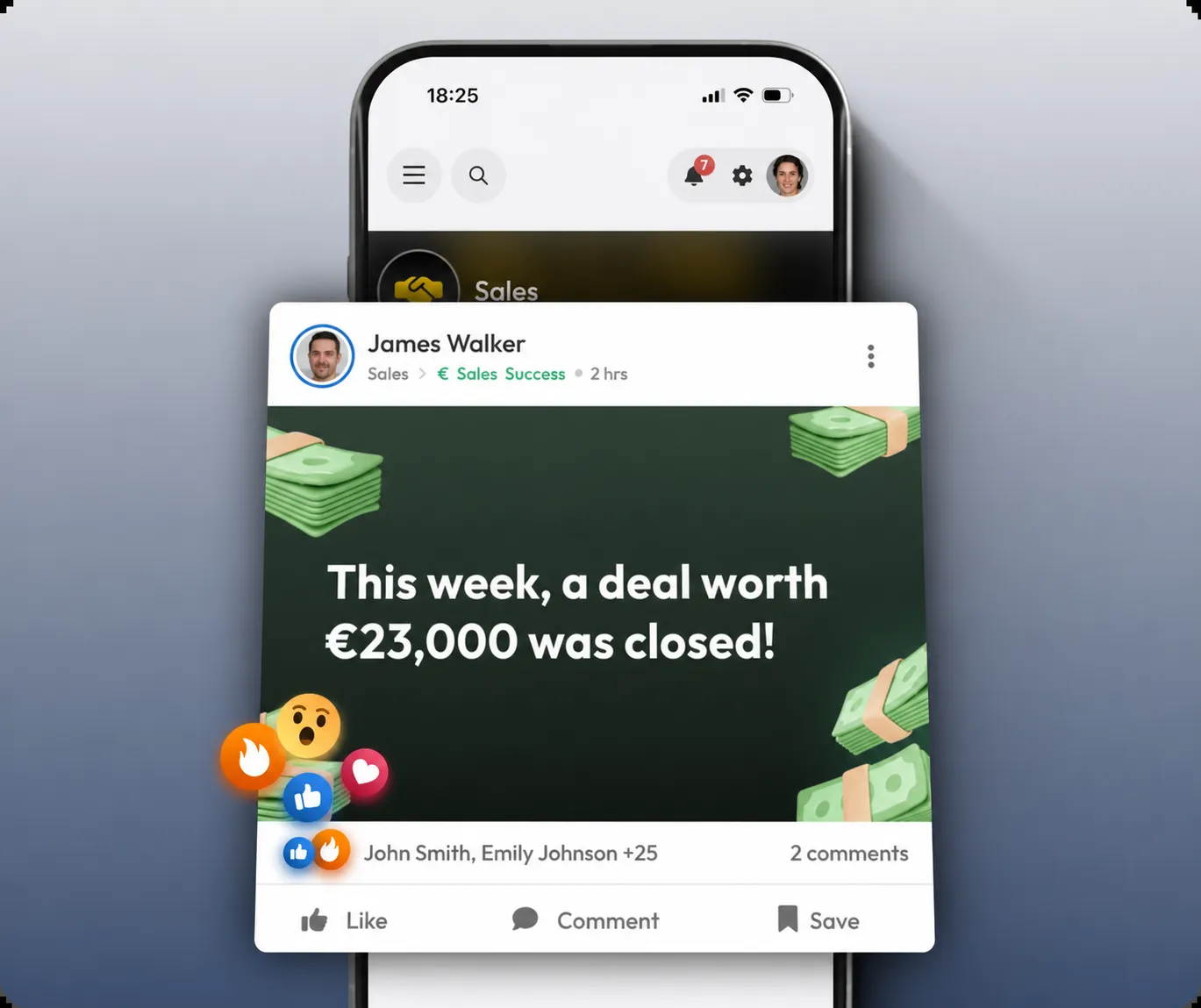
2. Feed Forums
Best compared to a Facebook group. Here, both admins and community Members can post content – including images, videos, background graphics, files or links to content from your Courses.
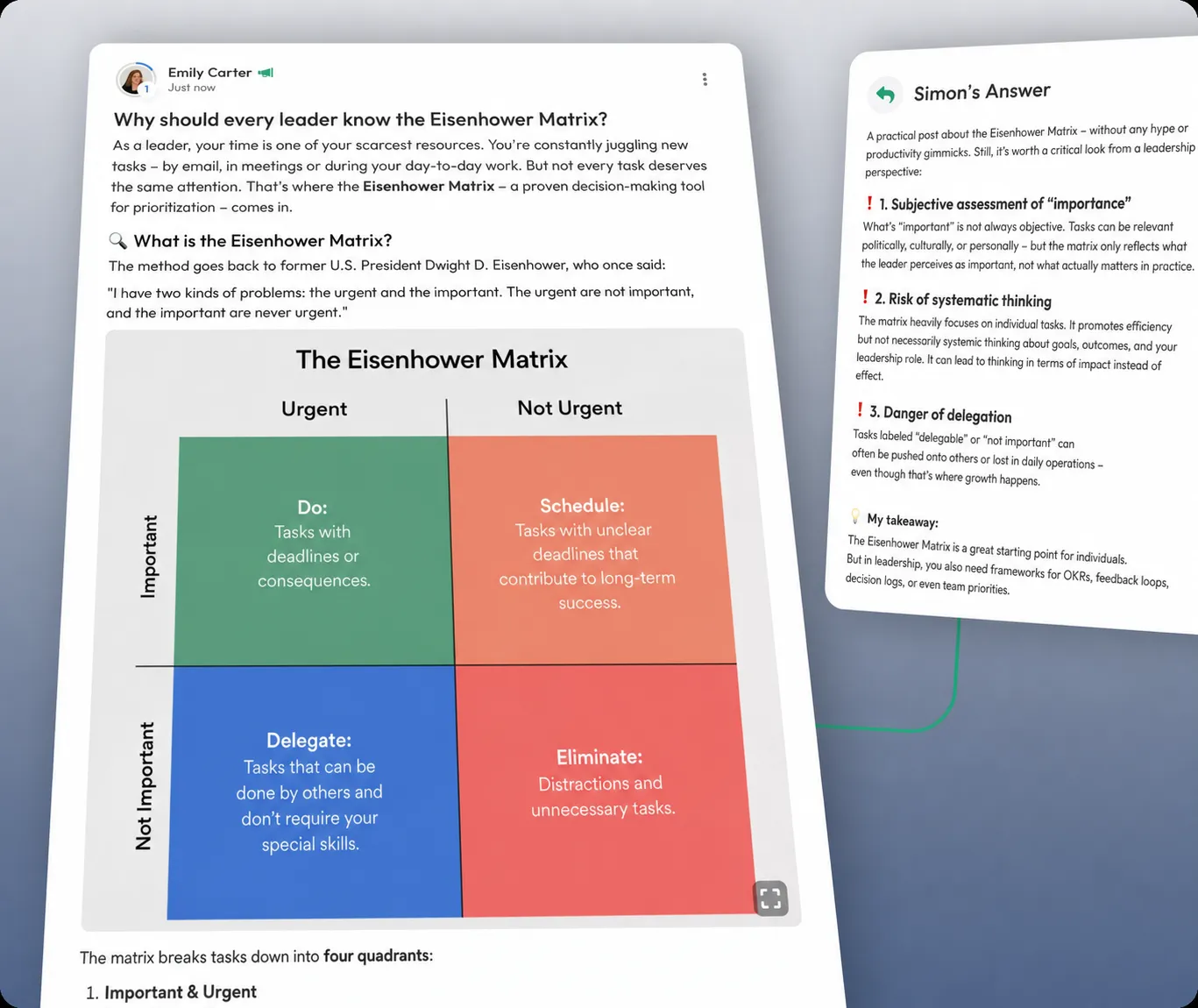
3. Discussion Forums
These forums are specifically designed for in-depth discussions, similar to traditional forums. Here, you can write long posts and enrich them with multiple images, graphics, videos and text formatting.
Branding:
As you would expect from LearningSuite, you can fully customize your community to your brand. Choose your header style, define colors, fonts and corner rounding, and design your community to perfectly match your branding. You can also add custom profile fields, define an individual admin color and determine how Member profiles are displayed in posts.
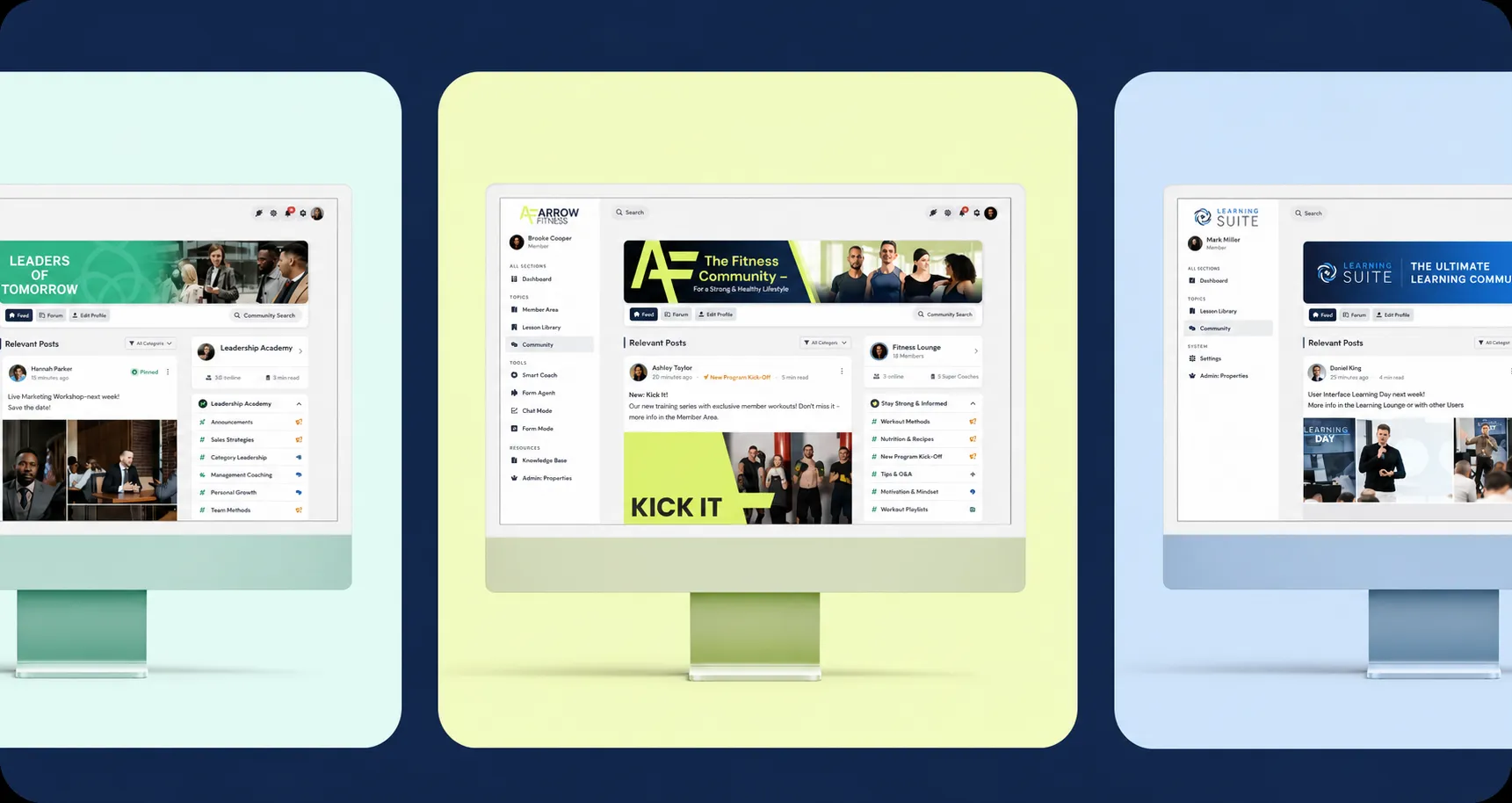
This clearly sets you apart from other communities and turns the platform into your very own network.
Engagement
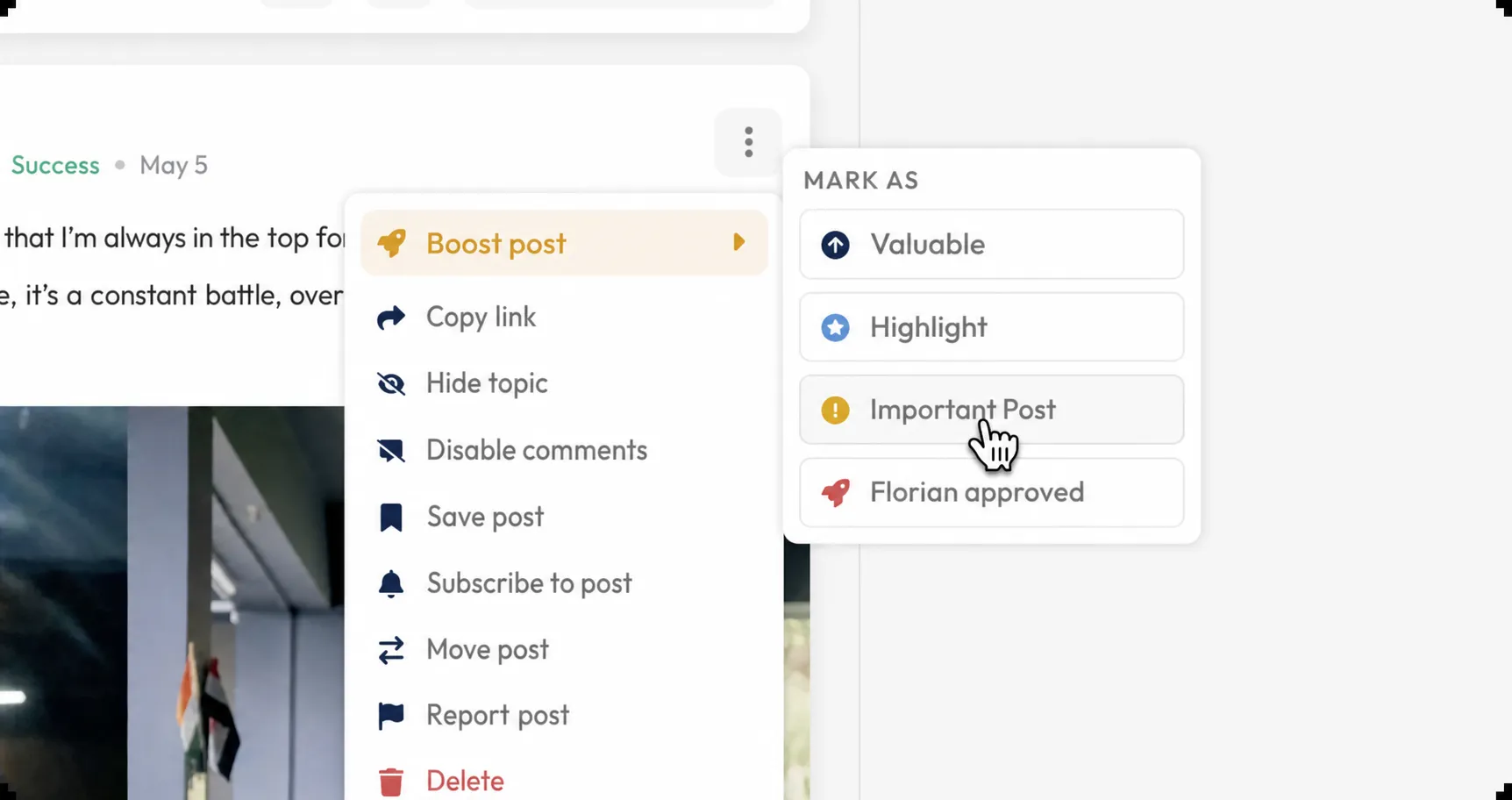
We have also introduced new features for engagement. With the boost functionality, you can highlight your Users' posts as an admin. They are prioritized in the algorithm and at the same time distinguished by a visible marker in the post – the perfect combination of reach and recognition.
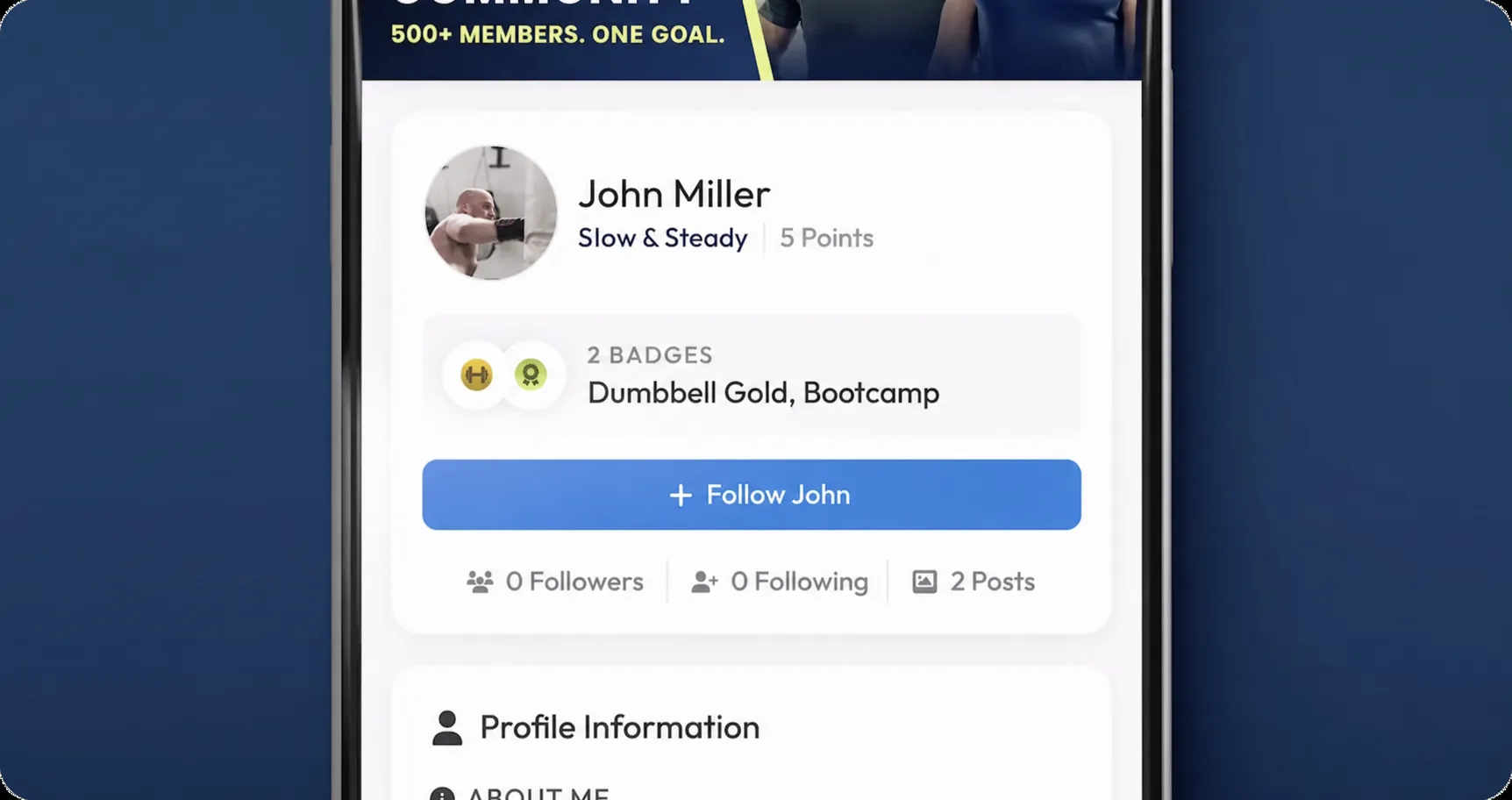
There is now also a follow feature: Users can follow each other and receive push notifications as soon as someone they follow publishes new content. This creates a whole new incentive for exciting posts and interactions.
Gamification Features
Our gamification functionality provides even more motivation. Users earn points through likes and comments on their posts, moving up level by level. The levels are fully customizable – from names and colors to custom icons.
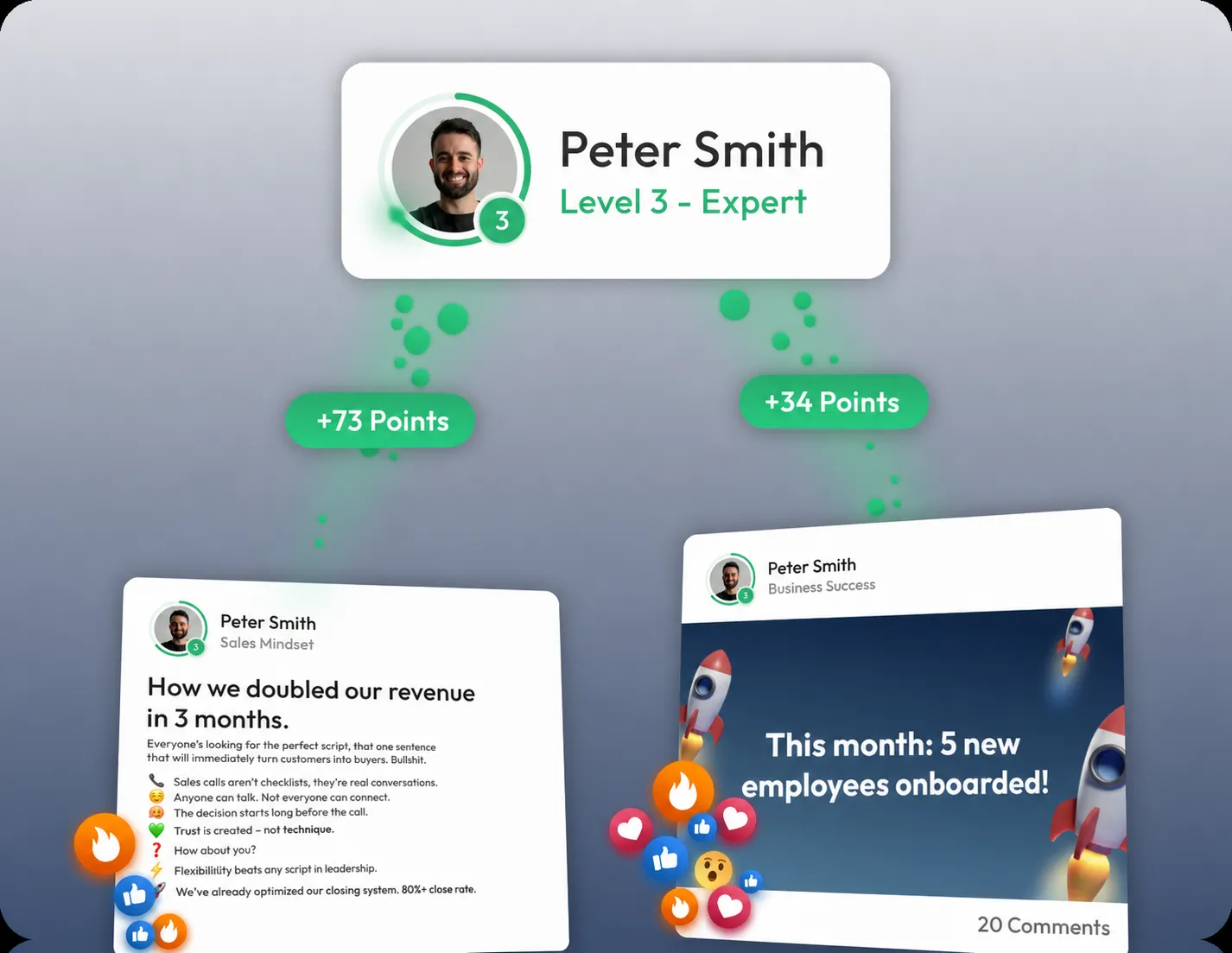
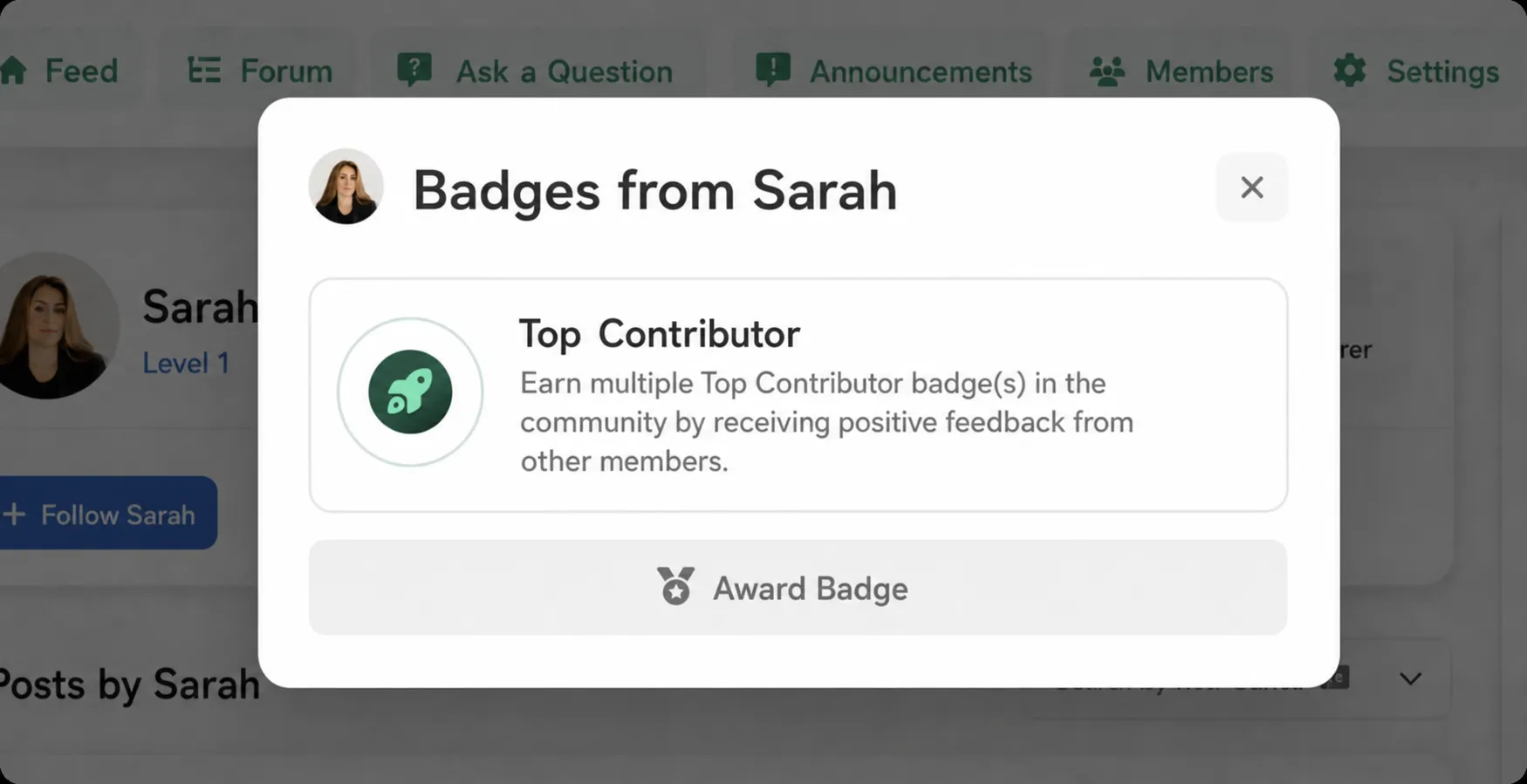
If you wish, you can also award badges: distinctions that represent special achievements or contributions, such as a “Top Contributor” badge. This makes every post an opportunity to gain visibility and recognition in your community.
Moderation
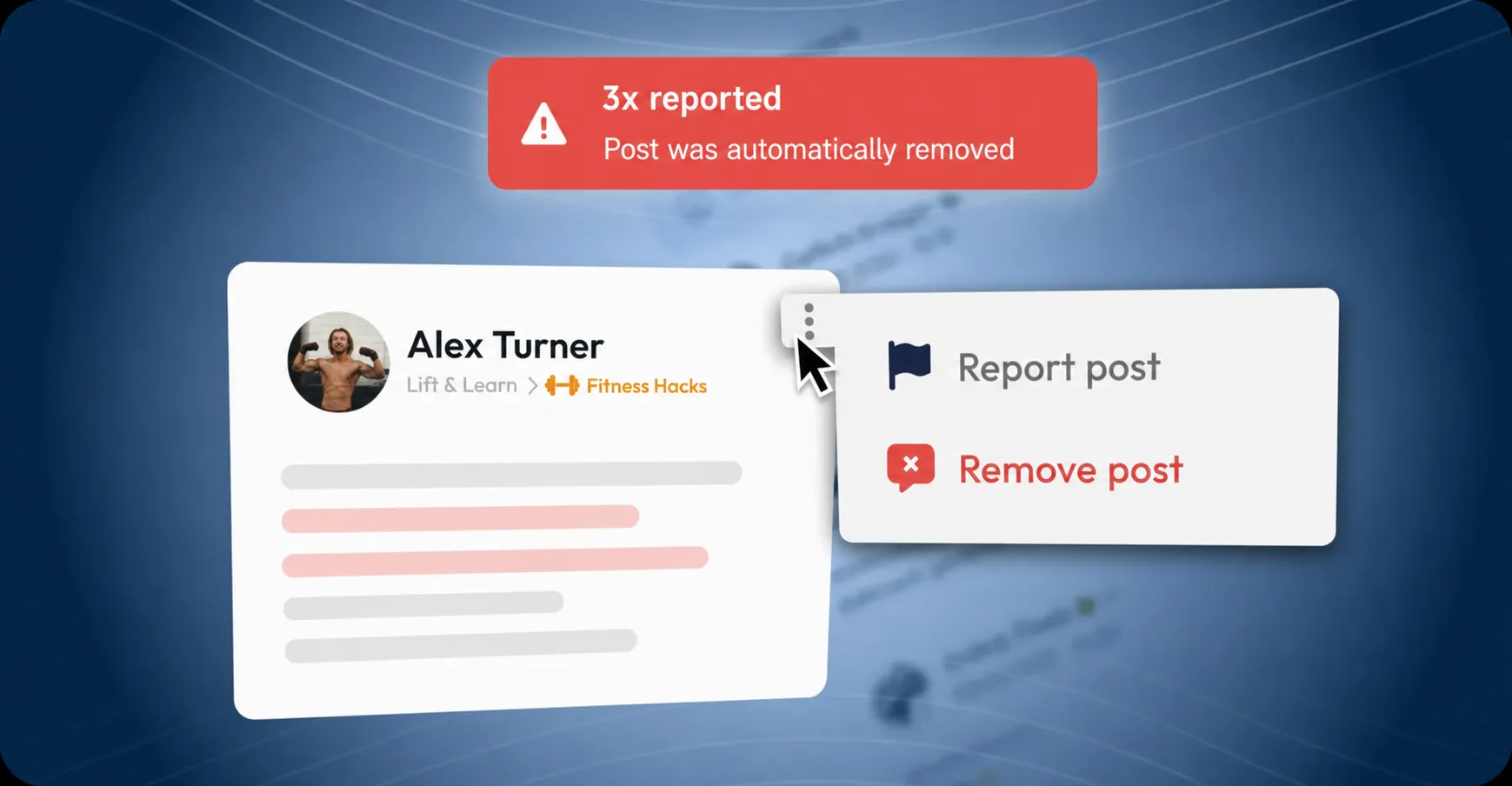
Of course, you retain full control at all times with our moderation features. You can specify that posts must first be reviewed before they go live.
Users can report content, and if a post receives too many reports, it is automatically blocked until your team decides whether to approve it further. This keeps your community clean, professional and free from spam.
Access Management
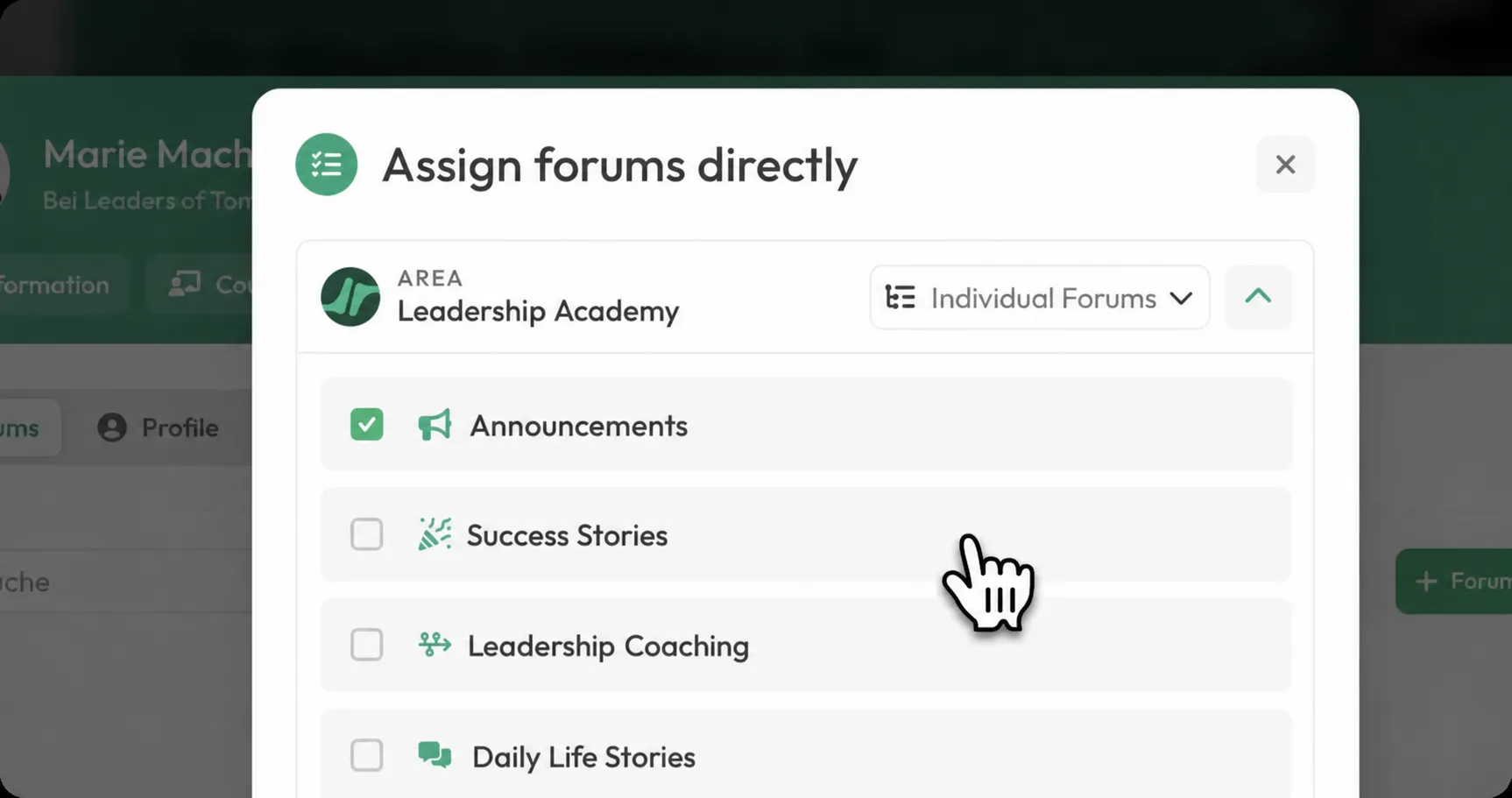
Finally, there is access management. Individual Members or entire groups can be granted access to forums, areas or badges.
This is ideal when you work with departments, bundles or very large communities. You can also give your team targeted access to specific topics so they can become active there as experts.
LearningSuite App:
The LearningSuite App is a native app for Android & Apple devices. With this app, you, your Customers and your Employees have the perfect LearningSuite experience directly on your smartphone.
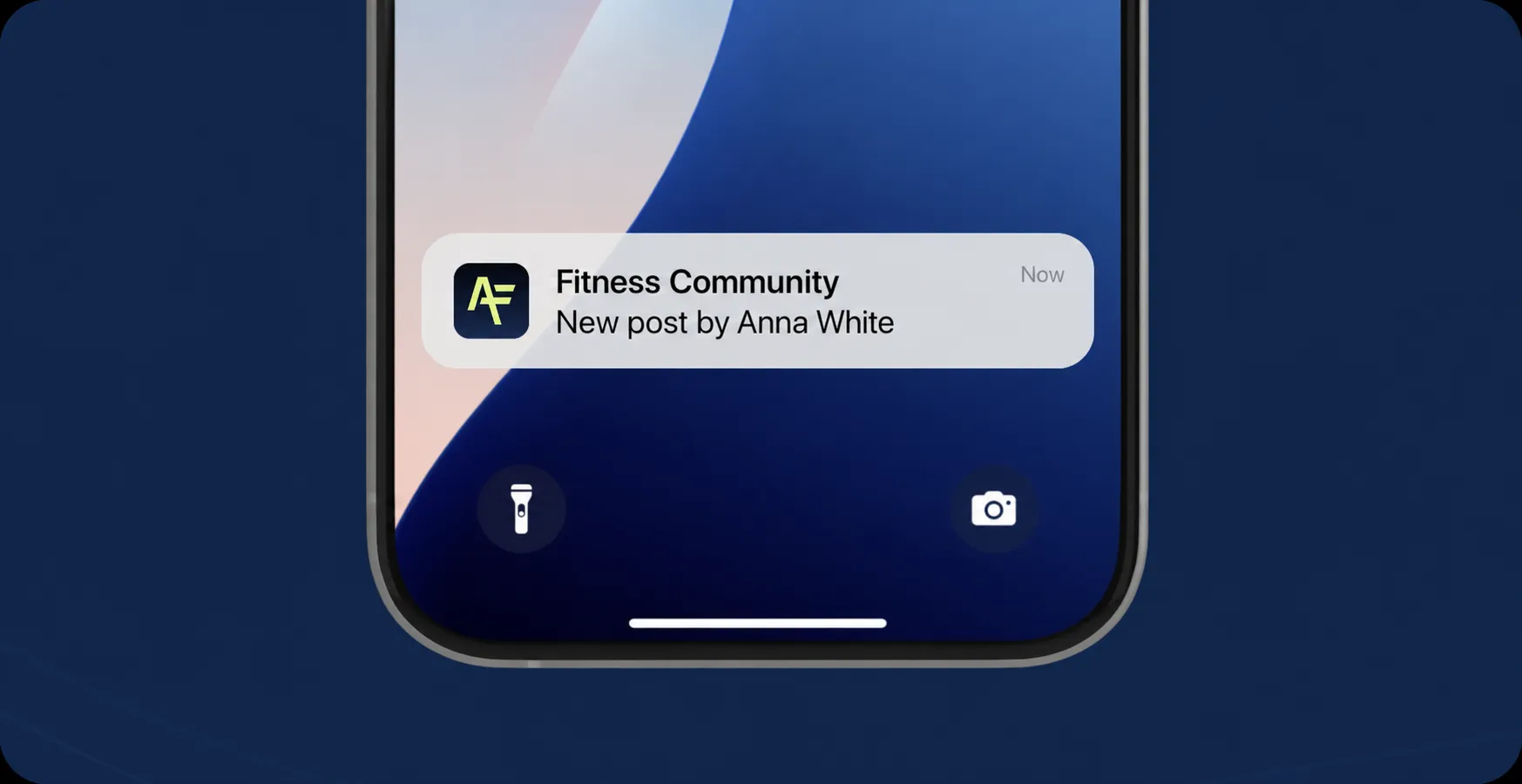
The biggest innovation in our native app is push notifications. They are crucial for keeping your community active: With every new post, like or reaction, you and your Members immediately receive a notification. This keeps engagement in your community consistently high.
But the app does not only bring benefits for the community. The entire LearningSuite experience has been optimized for mobile use – from viewing your content and Hubs to videos and much more.
To help you actively promote the app to your Members and Customers, we have added a dedicated setting in the settings menu.
From there, you can easily send an email notification or a pop-up in LearningSuite to all your Members and Customers.
All you need to do is: Go to Settings --> My LearningSuite --> App. There, you have the option to send your Members a pop-up in LearningSuite as soon as you are ready!
We look forward to your feedback, which you can send us in our Facebook community or via chat in the HelpCenter.
Your LearningSuite Team!