.svg)
Event Calendar for Live Calls & Events
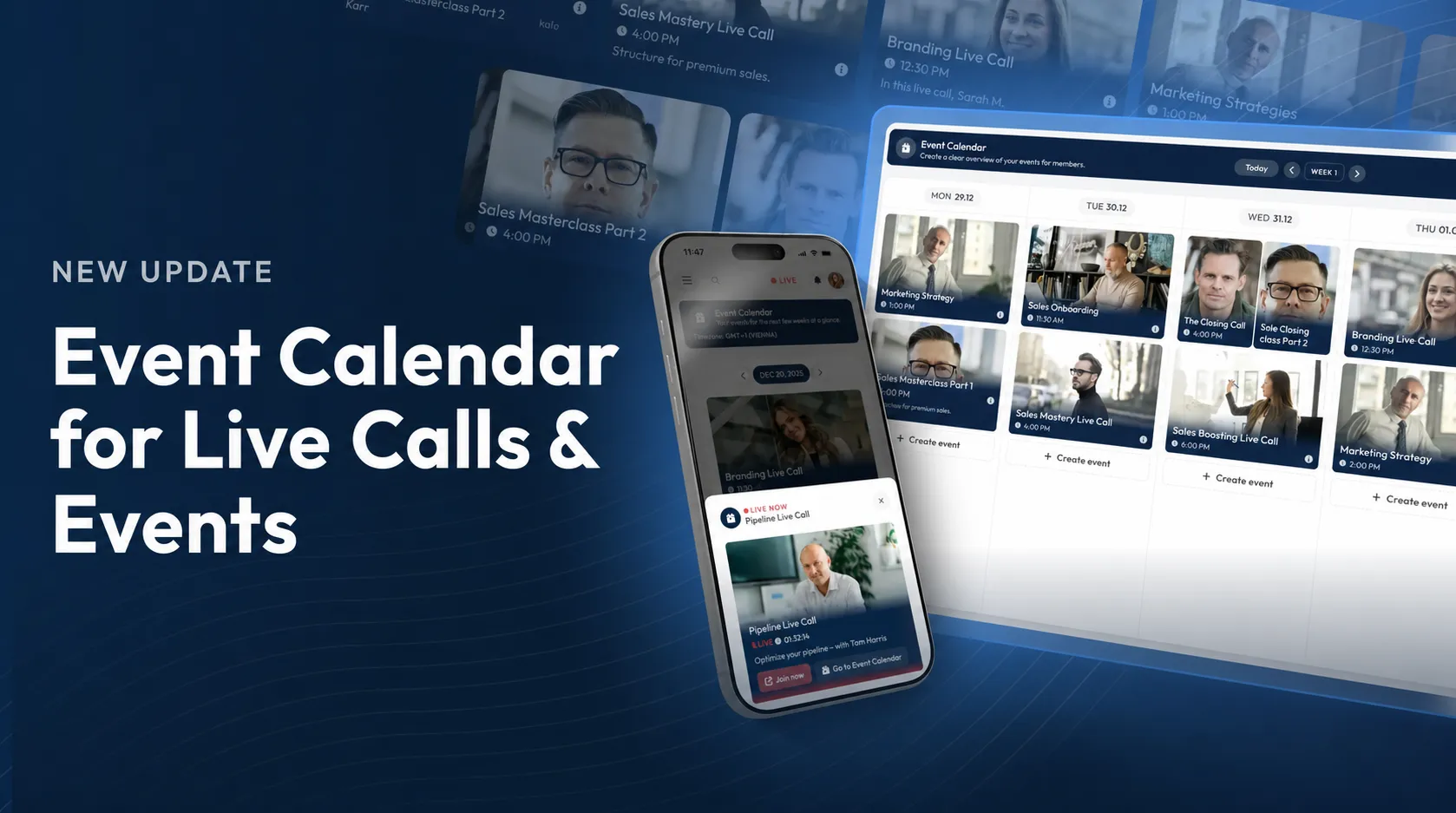
Today, we released a powerful update for all coaches, service providers and companies that regularly host live calls, webinars or events for their customers and employees: the new Event Calendar in LearningSuite.
With the event schedule, your Members get a clear overview of all upcoming events and live calls directly in LearningSuite. They will see exactly the dates that are relevant to their product group. This keeps everything organized, and your Members can immediately find what is important to them.
Create and manage events with ease
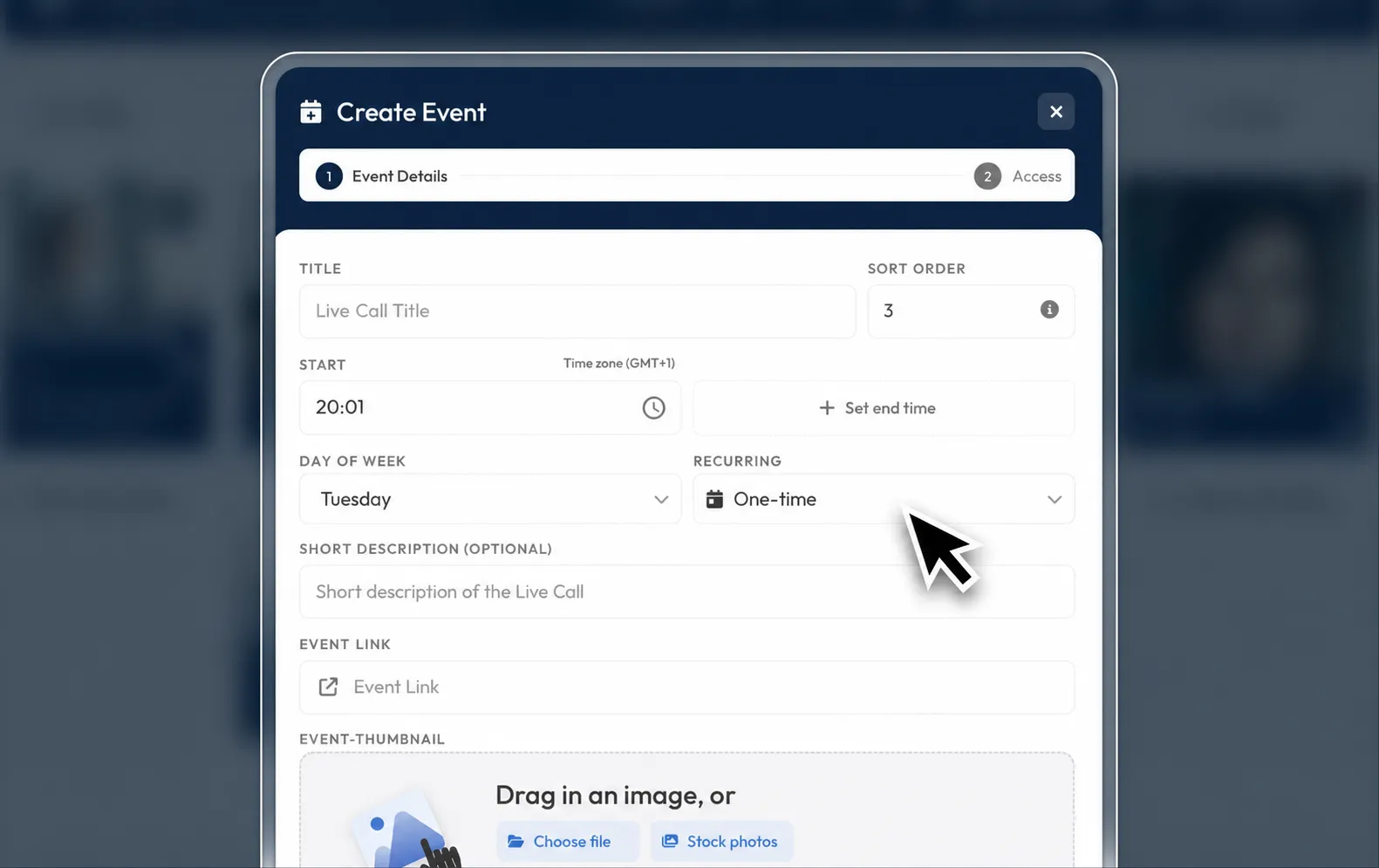
New events can be created and managed in just a few clicks. You can schedule dates, define target groups and give your Members a clean, central overview of all upcoming live calls.
Changes can also be made at any time. If a date is postponed or canceled, your Members can immediately see whether an event is not taking place or which day it has been moved to. This reduces follow-up questions and creates more clarity throughout the entire process.
Modern design for your live calls
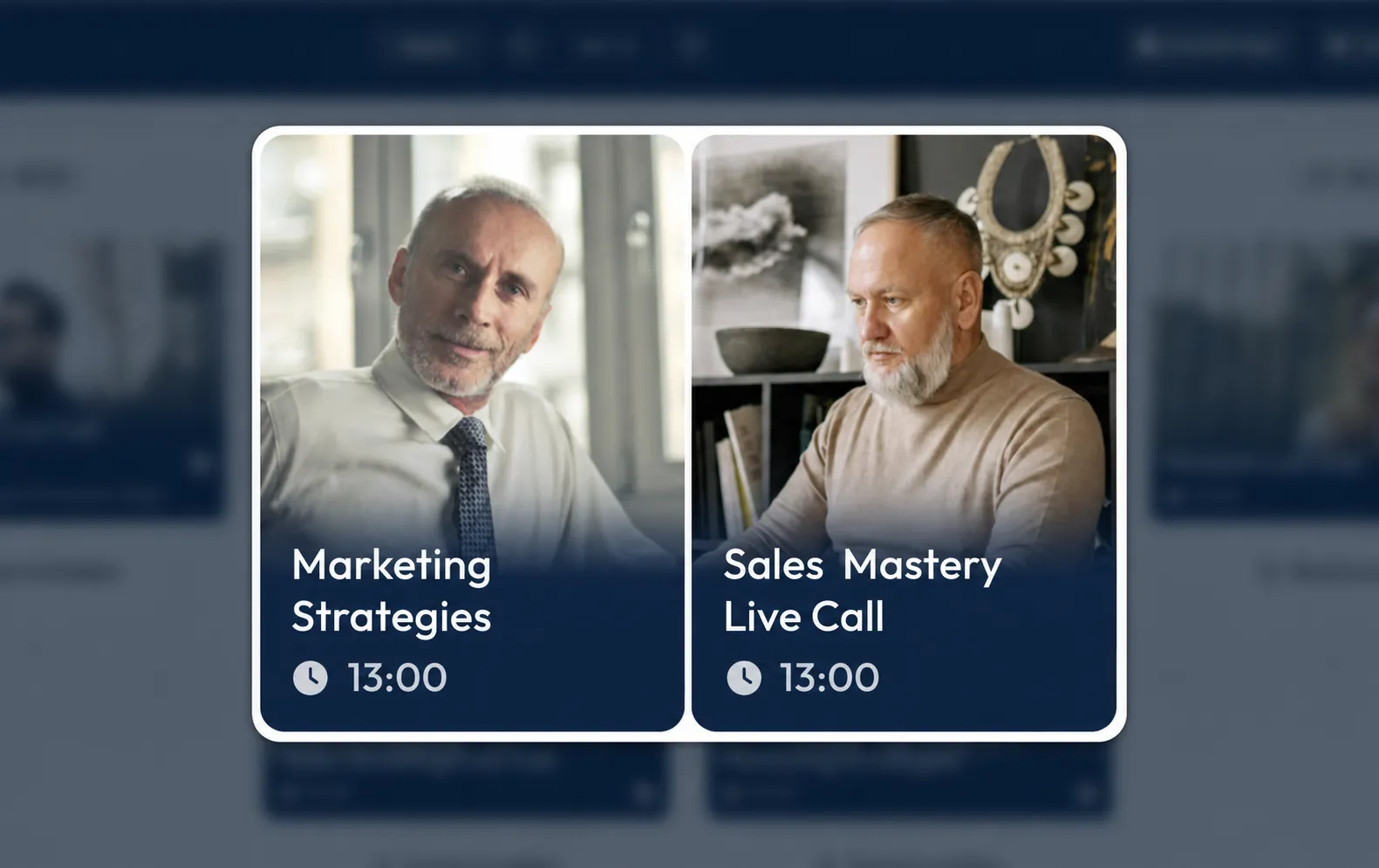
The event schedule was implemented not only with functionality in mind, but also with a strong visual design. The design showcases experts, live calls and event locations with a modern gradient design.
Even when several calls take place at the same time or in quick succession, the display remains clear and polished. This gives your event area a professional look and allows your Members to find their way around quickly.
Live badge and direct access to the call
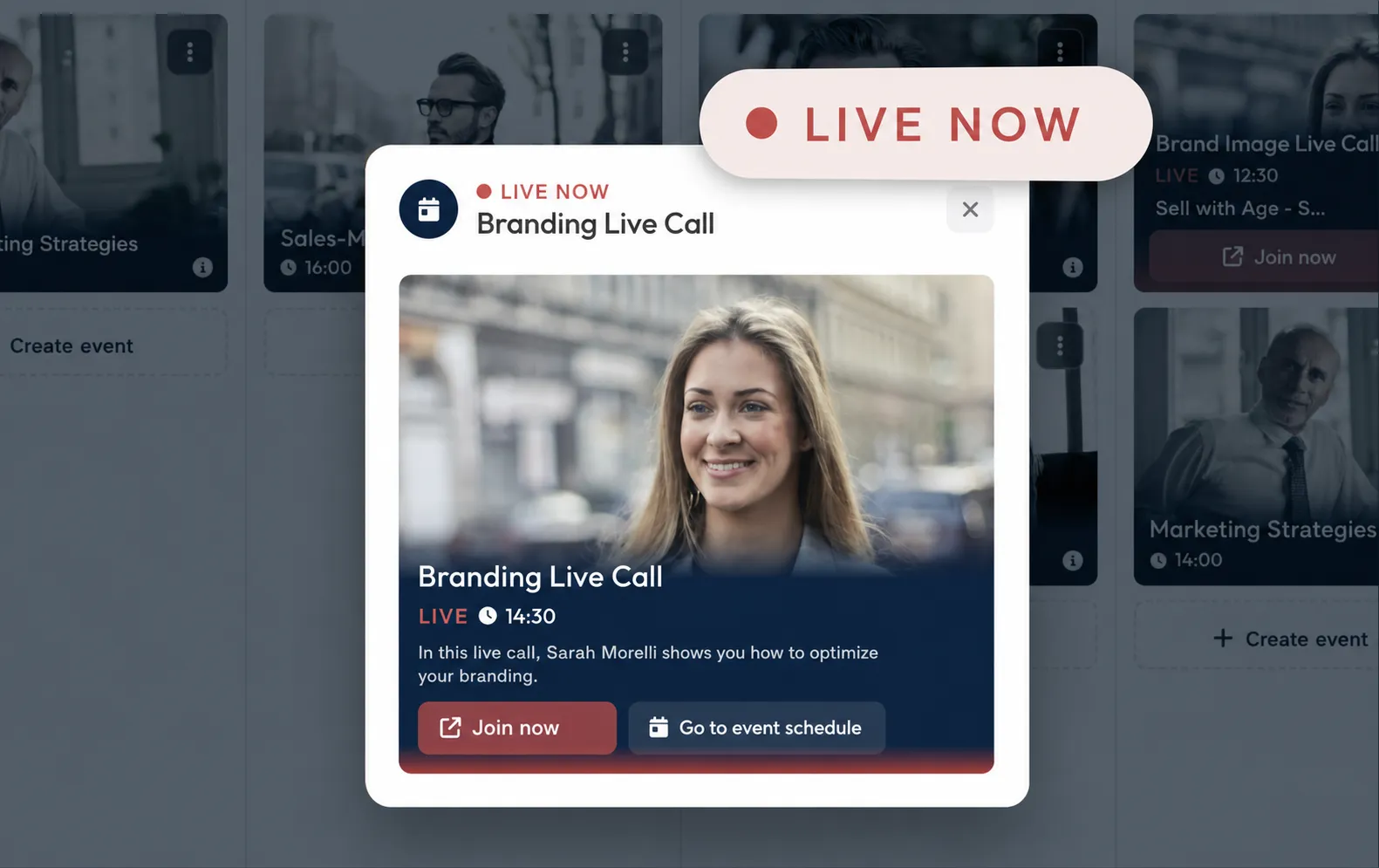
As soon as an event is live, it is displayed directly in LearningSuite with a Live Badge. This lets your participants immediately see which call is currently taking place.
With just one click, they can join the live call directly. It does not matter whether you use Zoom, Google Meet, Microsoft Teams or another meeting tool.
Why the event schedule matters
The new event schedule helps you structure your live calls and events effectively, reduce support requests and significantly increase attendance rates.
Instead of organizing dates through external lists, chat groups or manual reminders, your Members get a central overview directly in LearningSuite. This makes your customer experience clearer, more professional and much simpler.
Conclusion
With the new event schedule, LearningSuite becomes an even stronger central platform for your content, your community and your live experiences. Your Members always know which events are relevant to them, when they take place and how they can participate.
We hope you enjoy the new feature.