.svg)
Orbit: The Control Center for All Instances
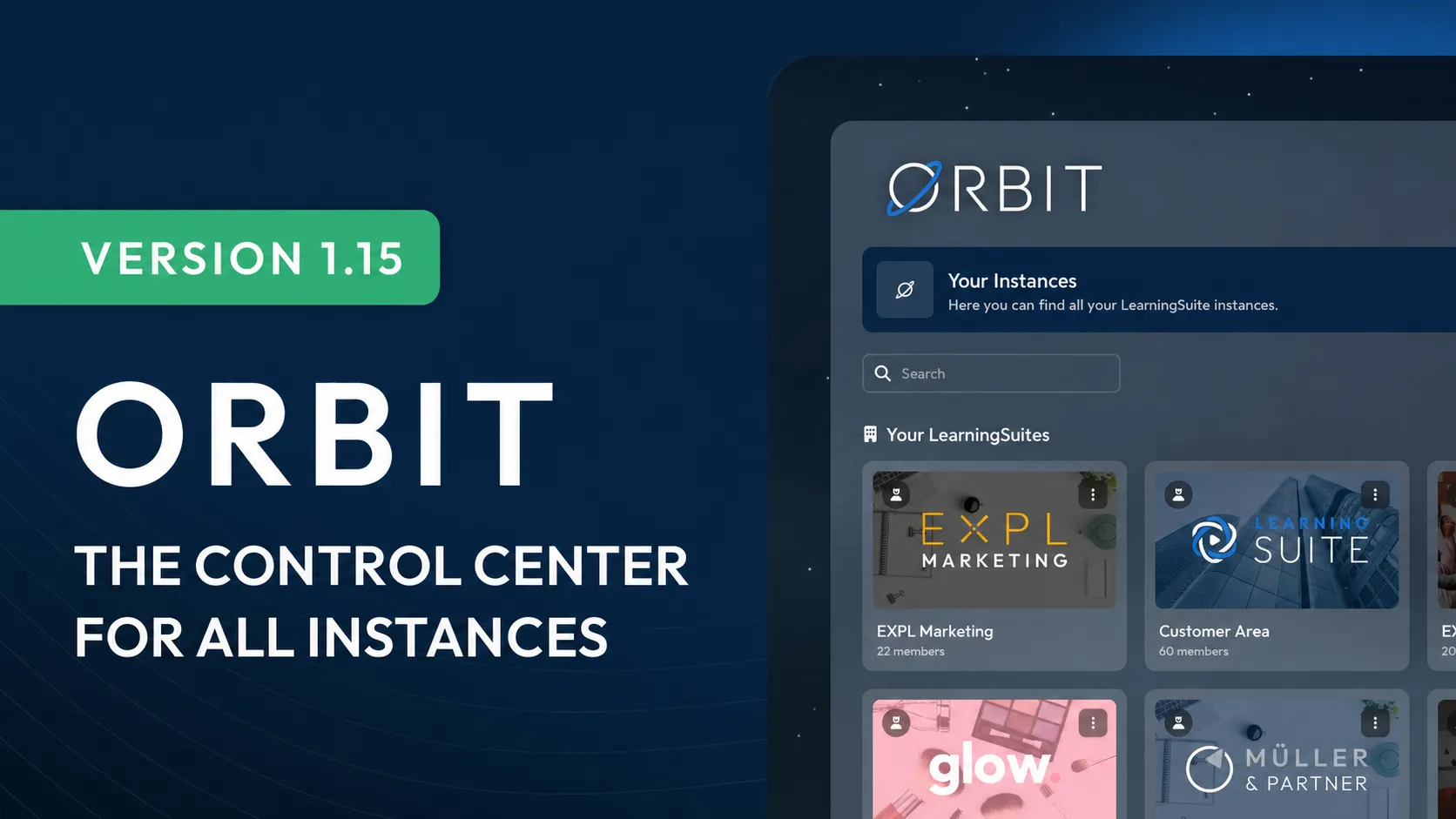
LearningSuite Orbit is the new central administration interface for admins, organizations, and multiple LearningSuite instances. Instead of managing each instance individually, LearningSuite Orbit consolidates access, administration, and important settings in a shared interface.
This makes working with multiple platforms significantly easier. Admins can centrally access all relevant instances, manage organizations, assign permissions, view invoices, transfer content, and manage partner access.
One login for all instances
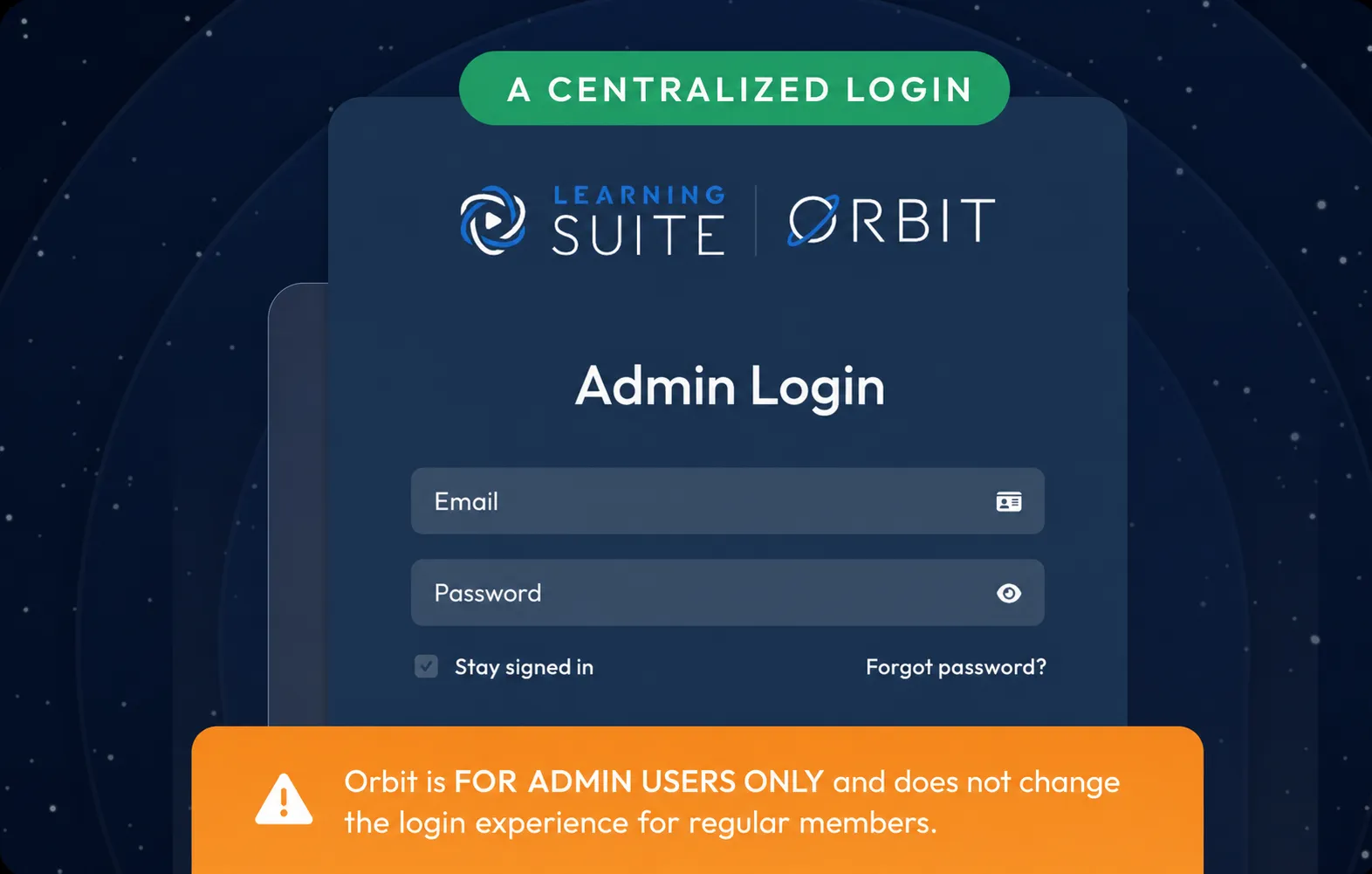
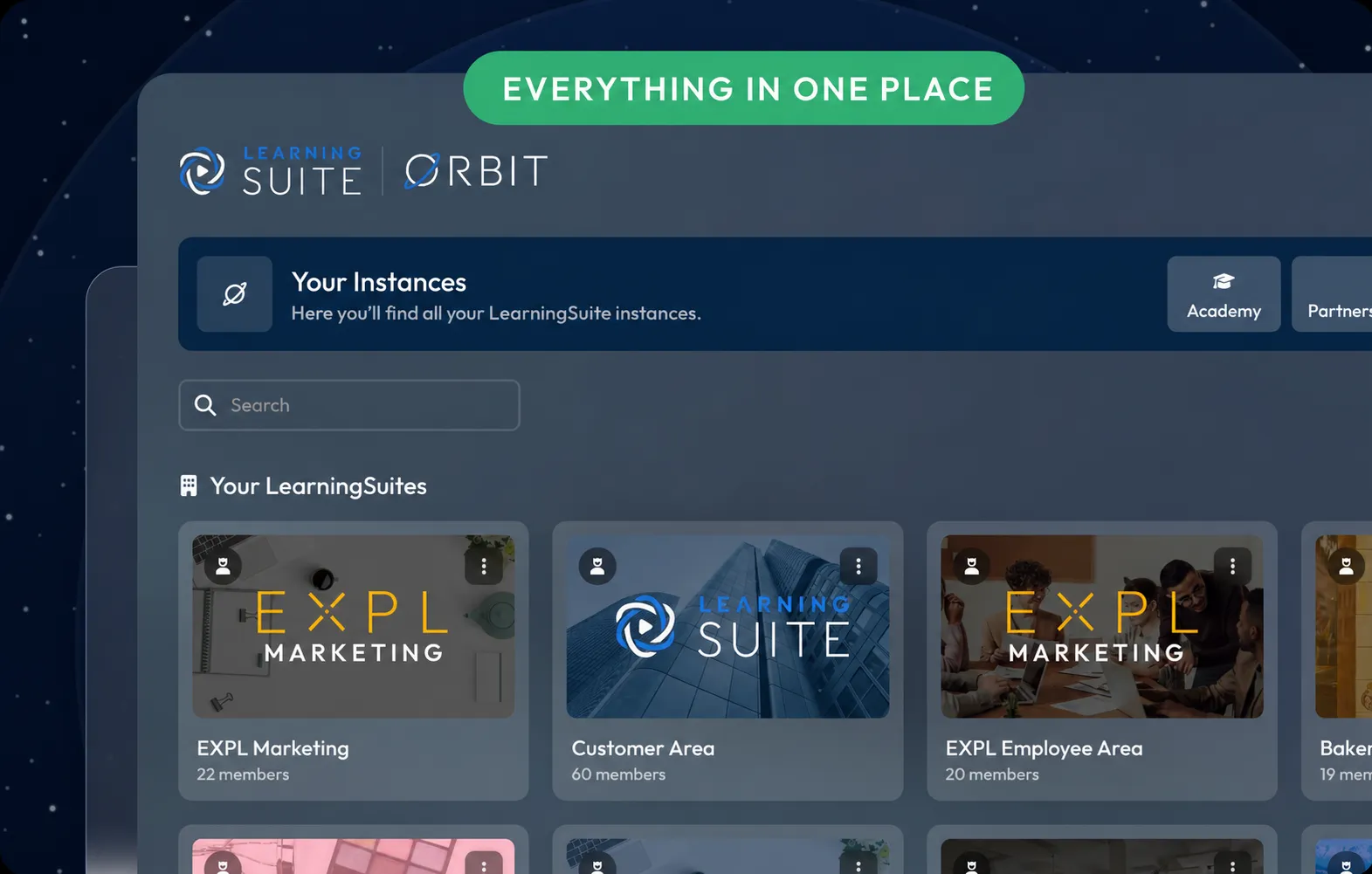
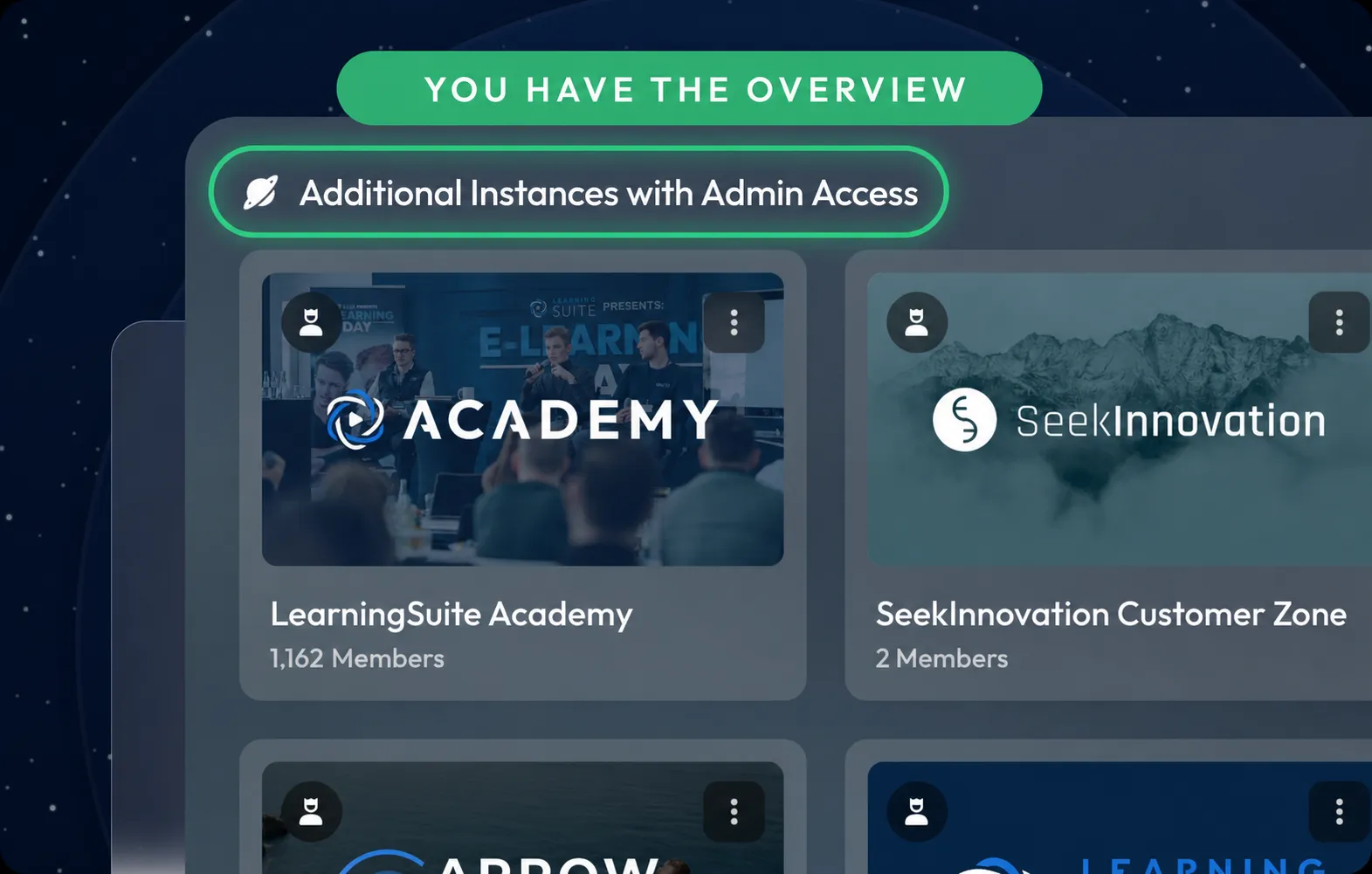
LearningSuite Orbit provides admins with a central login for all instances they have access to. After logging in, a clear instance overview appears with their own instances, favorites, customer instances, partner instances, and other instances with admin access.
From there, admins can switch directly to the respective instance, search and sort instances, or mark them as favorites. Depending on their permissions, new instances can also be purchased directly through LearningSuite Orbit.
This saves time and ensures that admins no longer have to switch between individual platforms, separate logins, or different administration processes.
Central management of organizations and members
Another core component of LearningSuite Orbit is organization management. Here, organization members can be added, edited, and assigned the appropriate permissions.
Roles can be assigned specifically for individual instances. This clearly defines who has which permissions in each instance. This makes administration much clearer, especially for larger teams, multiple departments, or external stakeholders.
This creates a central structure for access, responsibilities, and permission assignment across multiple instances.
Managing multiple instances in one place
For organizations with multiple LearningSuite instances, LearningSuite Orbit offers additional administration features.
Invoices can be viewed and downloaded centrally. Instance thumbnails can be edited directly. New instances or customer instance slots can be purchased or assigned through LearningSuite Orbit.
This consolidates recurring administration tasks and makes them significantly easier to access. Organizations with multiple platforms in particular benefit from no longer having to search for important settings and information across individual instances.
Partner management for agencies, customers, and external organizations
LearningSuite Orbit also includes dedicated partner management. Organizations can manage customer instances, set up partner access, and grant external partner organizations access to selected instances.
Partners therefore receive admin access only where it is truly needed. This makes collaboration with agencies, service providers, customers, or other external organizations much more structured.
Especially for partner models, customer projects, and larger organizational structures, LearningSuite Orbit provides a clear foundation for access, responsibility, and collaboration.
Transfer content between instances
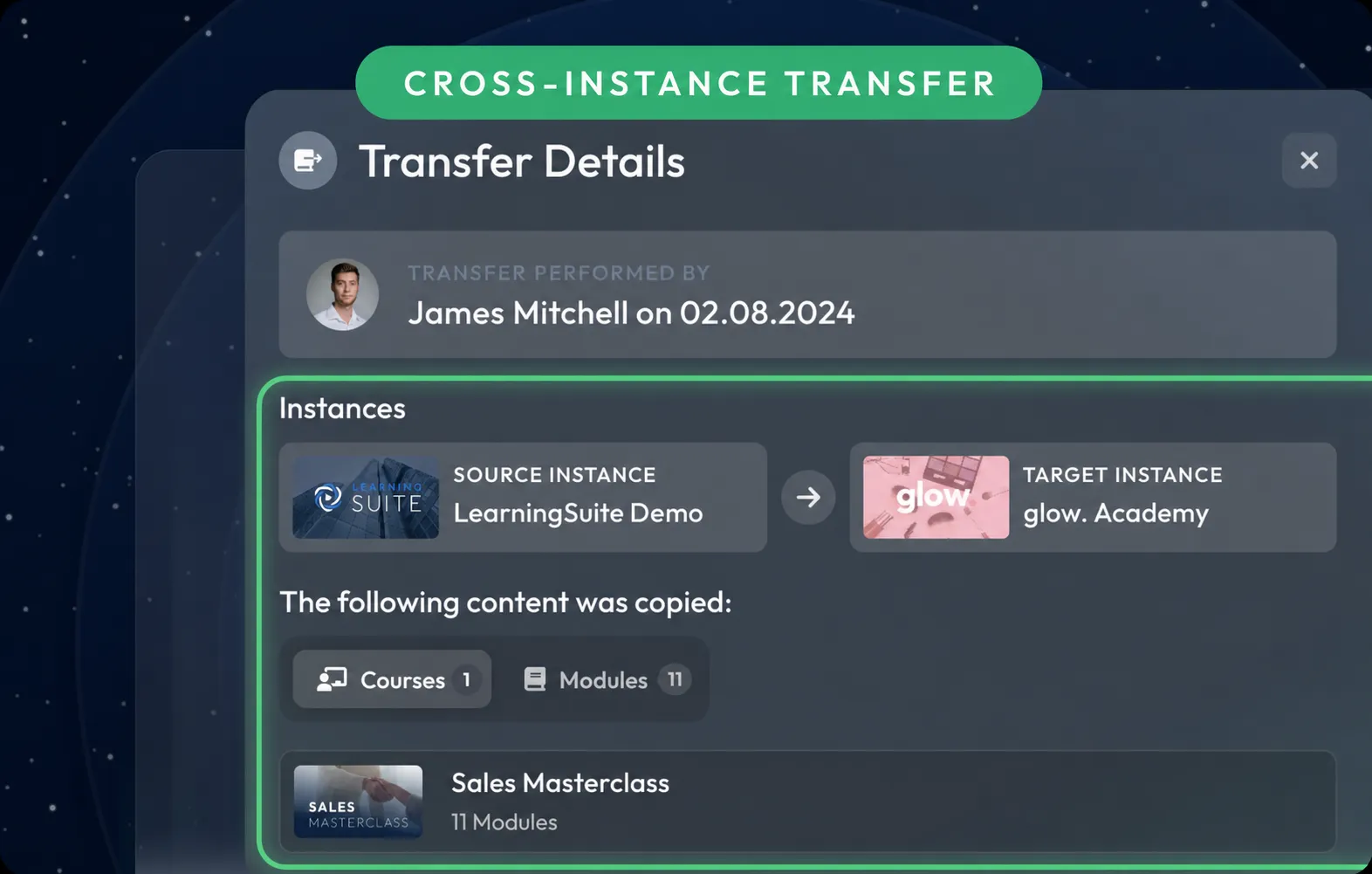
With the new content transfer feature in LearningSuite Orbit, content can be transferred between LearningSuite instances. Supported content includes Courses, modules, Hubs, and Hub templates.
Existing resources can therefore be efficiently copied from a source instance to a target instance. A typical example is transferring content from an internal instance to a partner or customer instance.
This reduces manual effort and facilitates the reuse of existing content across multiple platforms.
Manage personal settings centrally
Personal settings are also consolidated in LearningSuite Orbit. Admins can manage their profile information, profile picture, email address, and password across all their LearningSuite instances.
LearningSuite Orbit also displays active devices. Individual devices or all active sessions can be signed out directly. This gives admins more control over their access and makes it easier to manage their account security.
Conclusion
LearningSuite Orbit makes managing multiple LearningSuite instances easier, more centralized, and more scalable.
For organizations, partners, and teams with multiple platforms, LearningSuite Orbit becomes the central control center for login, access, billing, content, partner management, and instance administration.